Loading video…
Sound

original sound - discount_orlok
discount_orlok · Original audio
0:00–:––
Playing this video’s own audio, so you’ll hear the creator over the sound.
The video offers a practical, free solution to a common pain point for users who find Photoshop too expensive, leveraging the familiarity of Photoshop's interface to make GIMP more accessible.
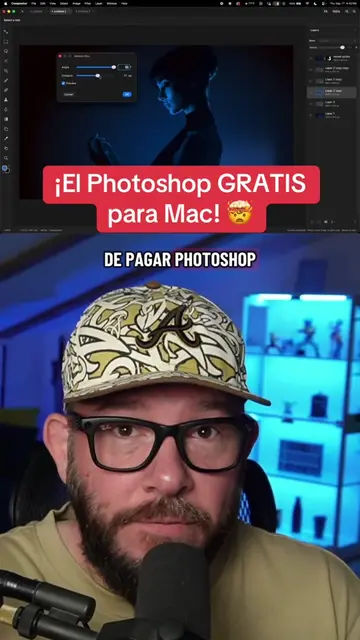
This video explains how to install PhotoGIMP, a free patch that makes the GIMP image editing software look and function like Adobe Photoshop. It guides viewers through downloading and installing the patch on Windows to achieve a familiar Photoshop-like interface.
Best Photoshop Alternative Just Got Better! #tiktoktechcontest #techtok #free #pctips #photoshop
If you're a Photoshop user
Introduce the problem of expensive Photoshop subscriptions
Introduce PhotoGIMP as a free alternative
Explain how to download and install PhotoGIMP
Demonstrate pasting the PhotoGIMP folder into the GIMP directory
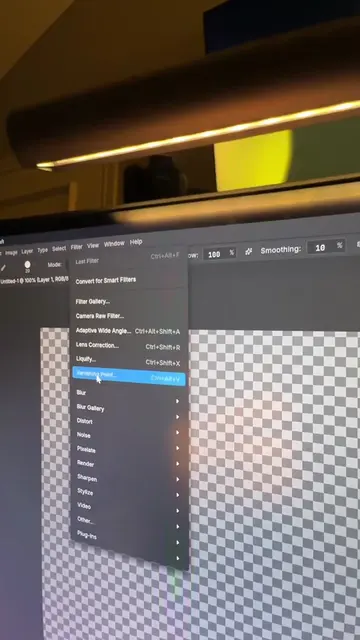
Show the transformed GIMP interface resembling Photoshop
Photoshop (Ps) (Acts): Software for image editing. Removing it would change the video's topic. Adobe (Appears): The company that makes Photoshop. Removing it would not change what happens in the video. GIMP (Acts): Software for image editing. Removing it would change the video's topic. PhotoGIMP (Acts): A patch that makes GIMP look and feel like Photoshop. Removing it would change the video's topic. Linux (Appears): An operating system. Removing it would not change what happens in the video. Windows (Appears): An operating system. Removing it would not change what happens in the video. Mac (Appears): An operating system. Removing it would not change what happens in the video. GitHub (Appears): A platform for software development and version control. Removing it would not change what happens in the video. Discount Orlok (Appears): A Facebook page. Removing it would not change what happens in the video.
Playing this video’s own audio, so you’ll hear the creator over the sound.
GIMP patch that adjusts its interface and shortcuts for Photoshop users
All time.
Promotes 16 products. Create free account to see more.
Outliers and viral hits: their videos on Overshot, all time.