Loading video…
Sound

original sound - pames.jawl
James Paul TikTok Growth · Original audio
0:00–:––
Playing this video’s own audio, so you’ll hear the creator over the sound.
This video promotes it, but we haven’t matched it to a product page yet, so there are no product figures.
The video leverages a popular platform feature ('One clip' templates) that simplifies content creation, making it accessible and appealing to a broad audience. By demonstrating a quick and easy method to create potentially viral content, it taps into creators' desire for growth and engagement on TikTok.
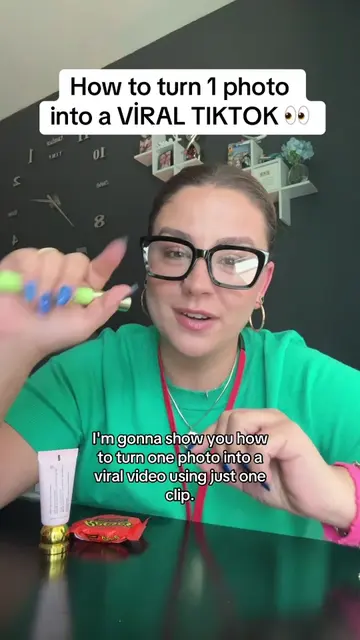
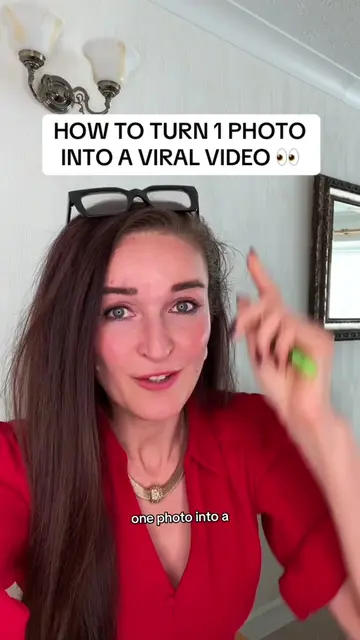
This video demonstrates how to transform a single photo into a viral video on TikTok using the app's built-in 'One clip' template feature. The creator guides viewers through the process of selecting a template, uploading a photo, and posting the resulting video, emphasizing that the feature is free and TikTok is actively promoting it.
How to turn your picture into a video to go viral #goviral #tiktoktips #tiktoktutorial #tiktokfeature
How to turn your picture into a video to go viral
Introduction to turning a photo into a viral video on TikTok
Call to action for likes, saves, shares, and comments
Navigating to the 'Create' and 'Templates' section
Selecting the 'One clip' template
Uploading a photo to the chosen template
Posting the video and adding it to a story for extra reach
TikTok (app): It is used to create and share videos. Removing it would change what happens in the video. It acts as the platform where the user creates and uploads content.
Follow me for daily TikTok tips
Playing this video’s own audio, so you’ll hear the creator over the sound.
Promotes 5 products. Create free account to see more.
Outliers and viral hits: their videos on Overshot, all time.