Loading video…
All videos Locked — part of Pro; create a free account to start.Open on TikTokPro
No preview available yet
Views
2.6K
Likes
45
Comments
0
Shares
24
Engagement
2.7%
of views
2xthis account’s usual views
This video2.6KUsual views1.3K
The product
Not selling anything
No product promoted
We didn’t find a product being promoted in this video. Its hook, format and structure below still show why it took off.
Browse products winning on TikTokThe creator
We’re still analyzing this post.
Original caption
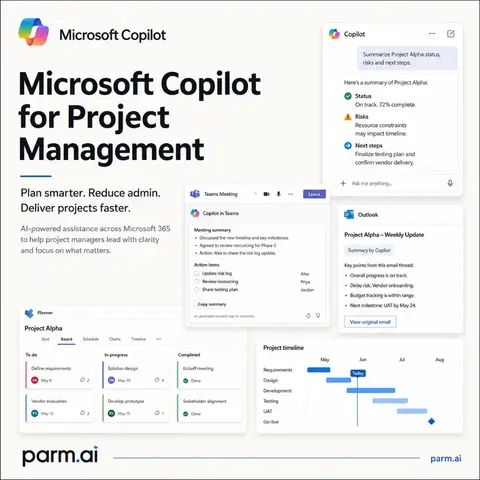
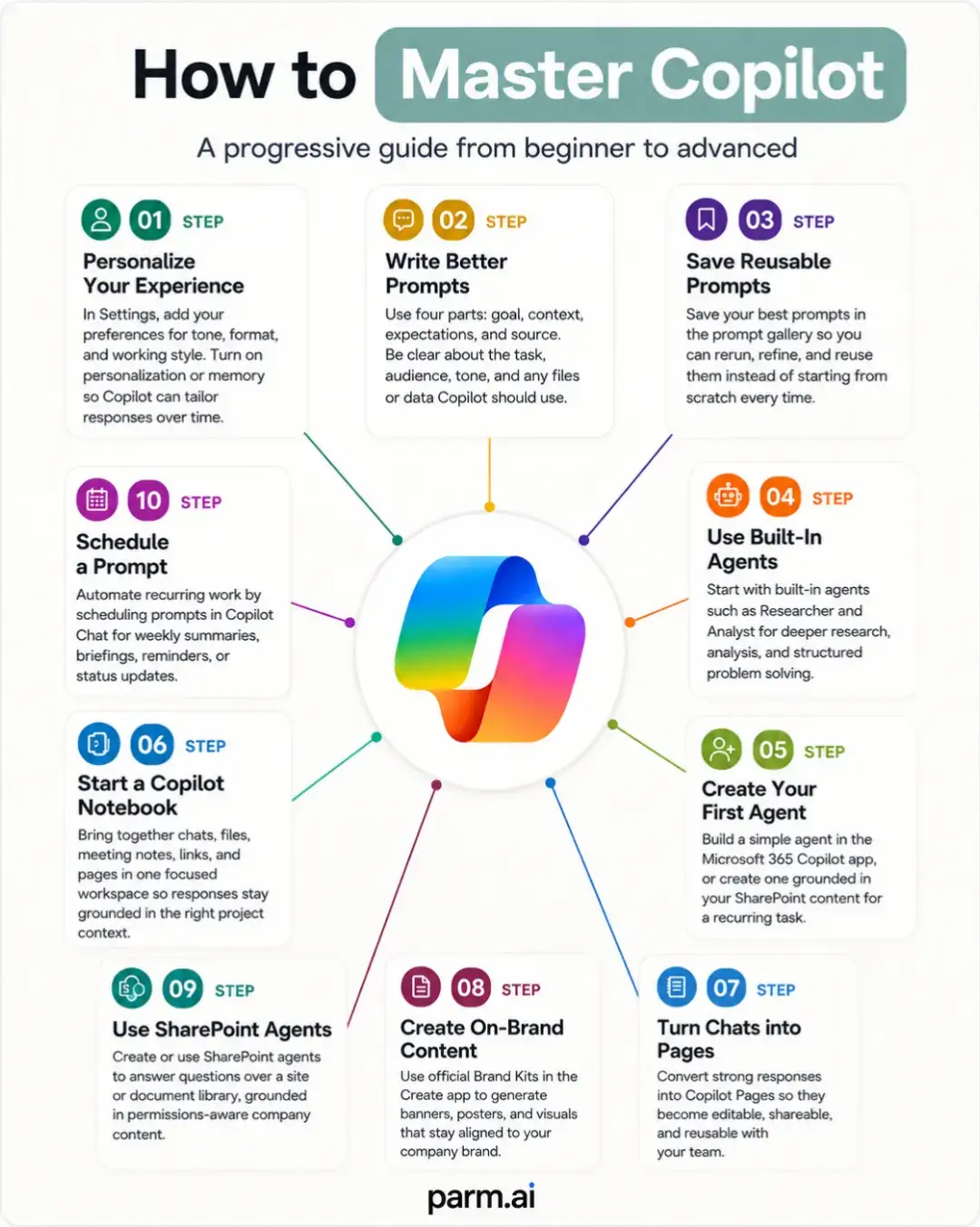
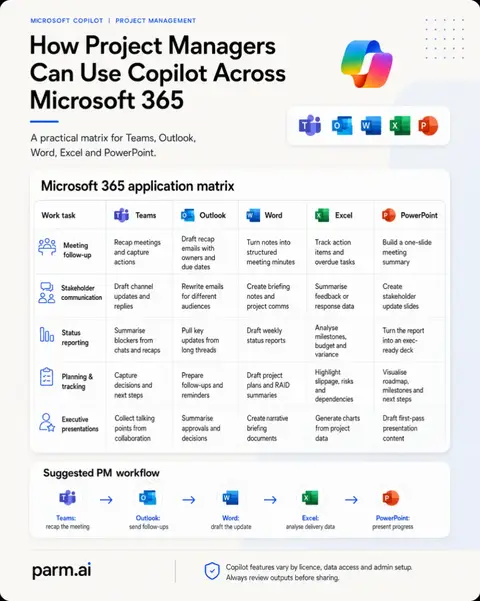
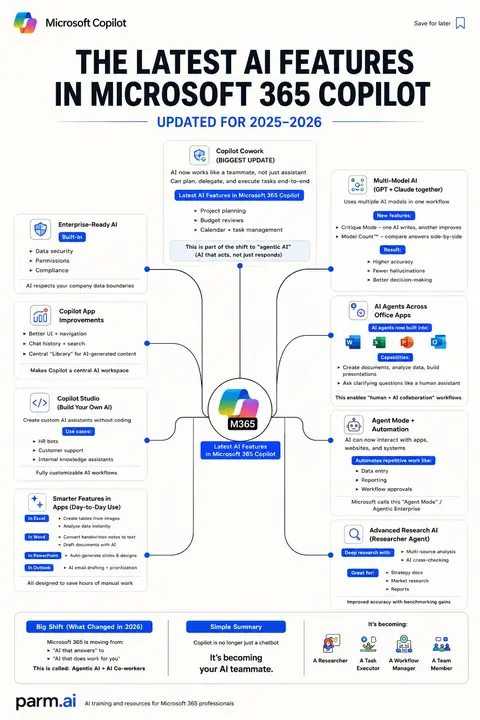
It's a fair question, especially if you're a Project Manager using Microsoft Copilot. Let's use a real example: your Friday project status report. 🔵 Option 1: Scheduled Prompt Set Copilot to run every Friday at 2 PM. Ask it to review accessible project information from Teams, Outlook and SharePoint, then generate a status summary covering: ✅ Progress and completed milestones ✅ Risks, issues and blockers ✅ Decisions and outstanding actions ✅ Upcoming deliverables ✅ Suggested RAG status You receive a notification when your draft is ready. Review it, make adjustments and distribute it yourself. 🟢 Option 2: Copilot Agent With Copilot Studio and the right automation configured, you can go further. Your agent-driven workflow could: 1. Gather updates from connected project systems. 2. Analyse progress, risks and outstanding actions. 3. Generate the weekly status report. 4. Request your approval before publishing. 5. Distribute the approved report to stakeholders. 6. Create follow-up tasks in Planner. 7. Update project records and notify action owners. 8. Monitor overdue actions and flag exceptions. So which should you use? If you just need a recurring report, start with a scheduled prompt. If you're spending another hour distributing reports, updating trackers and chasing actions, an agent-driven workflow could be worth building. The biggest opportunity is often what happens after the report is created. Save this carousel for your next project reporting cycle.