Loading video…
Sound

original sound - brand__development
Brand development · Original audio
0:00–:––
Playing this video’s own audio, so you’ll hear the creator over the sound.
The video breaks down content creation into accessible levels, starting with readily available tools and progressing to more advanced gear. This tiered approach makes the information less intimidating and more actionable for a wider audience, while the clear call to action encourages engagement.
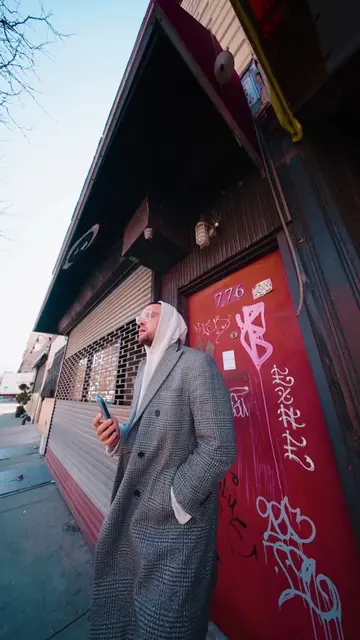
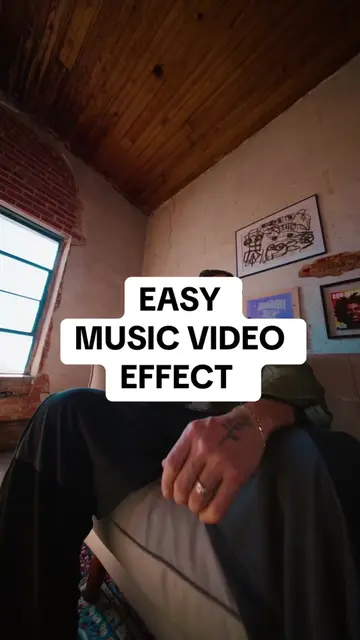
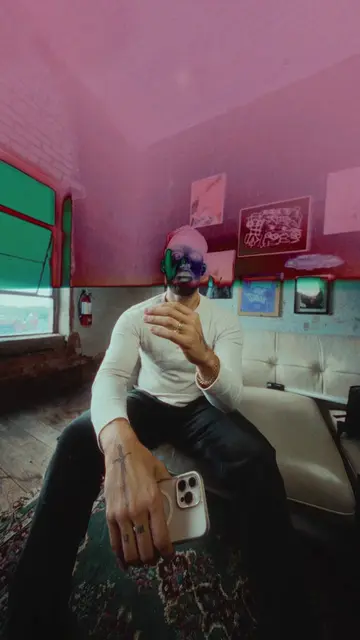
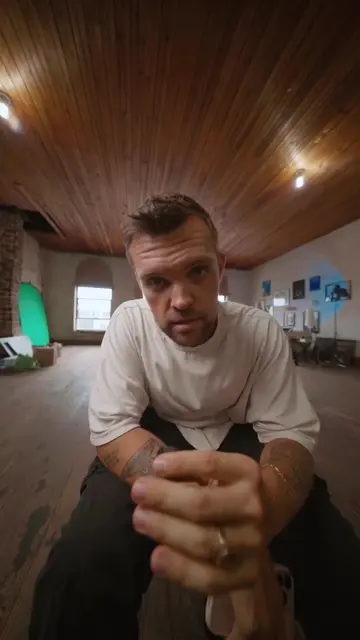
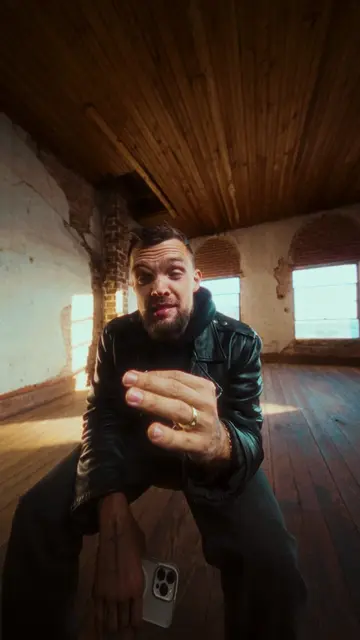
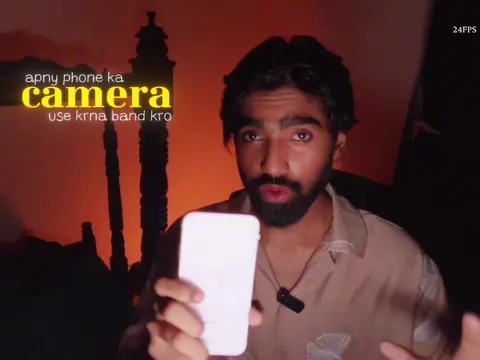
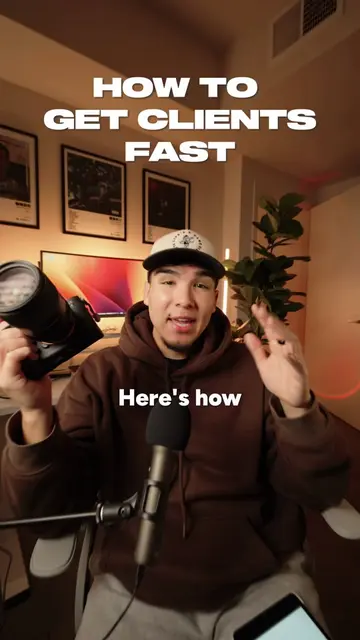
This video provides a tiered guide on how to start filming content, beginning with basic smartphone setups and progressing to professional camera gear. It highlights essential tools and settings for improving video and audio quality, encouraging viewers to start with what they have and be consistent.
How to actually start filming content #content #marketing #gear
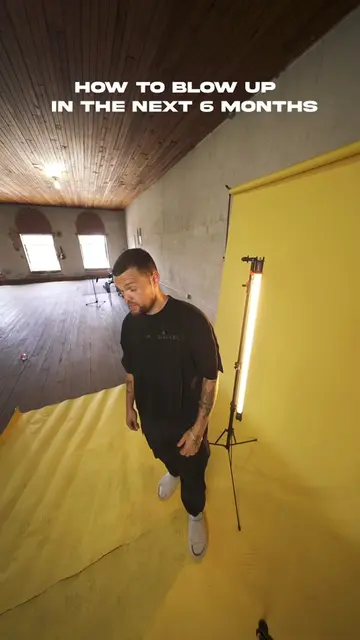
HOW TO START: FILMING CONTENT
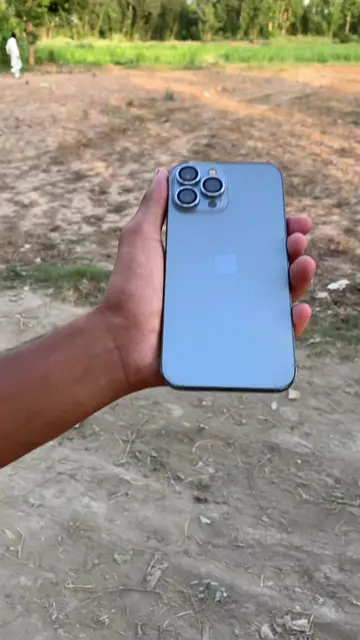
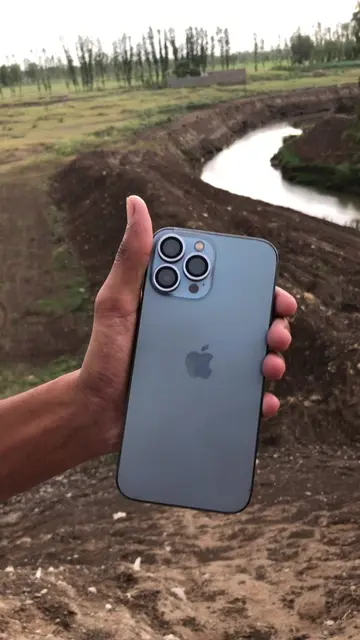
Start with what you have (iPhone)
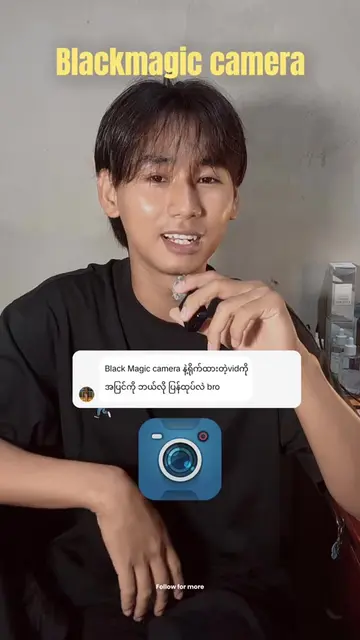
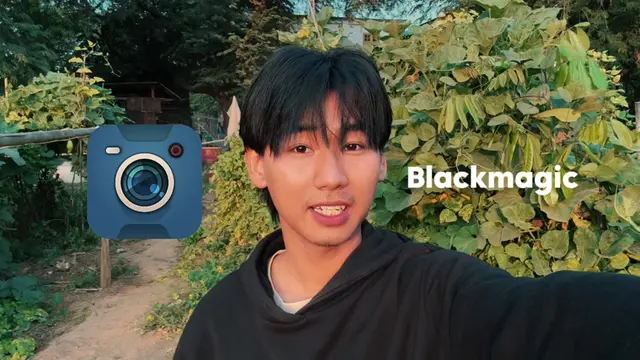
Download Blackmagic Camera app
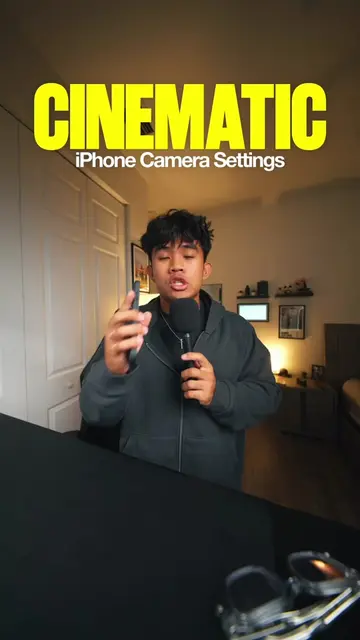
Use recommended settings
Enhance audio with Adobe Podcast Enhance
Upgrade to Osmo Pocket 3 Creator Combo
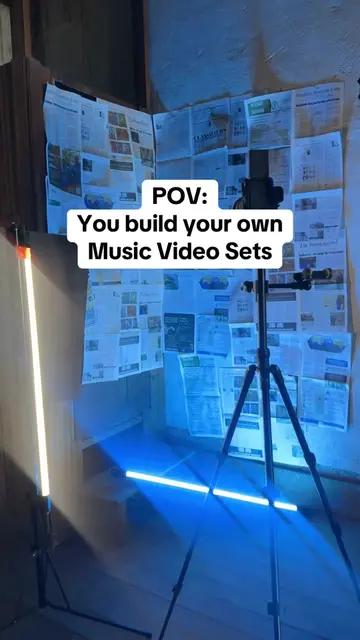
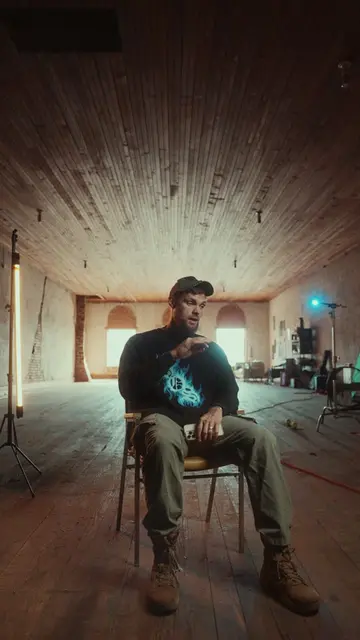
Professional setup with Sony A7S3, wide lens, and lighting
Consistency is key
Blackmagic Camera (App): Acts - it is a camera app that allows users to film content. Removing it would change the video's demonstration of filming tools. iPhone (Device): Appears - it is the device used to film content. Removing it would change the video's demonstration of filming tools. DJI Osmo Pocket 3 Creator Combo (Gimbal/Camera): Acts - it is a device used for filming content. Removing it would change the video's demonstration of filming tools. Sony A7S3 (Camera): Acts - it is a camera used for filming content. Removing it would change the video's demonstration of filming tools. 18-35MM 2.8 (Lens): Acts - it is a lens used for filming content. Removing it would change the video's demonstration of filming tools. Adobe Podcast Enhance (Website): Acts - it is a website used to enhance audio quality. Removing it would change the video's demonstration of audio tools. 12amcreative.com (Website/Agency): Appears - it is the creator's agency website, mentioned at the end. Removing it would not change the video's demonstration of filming tools.
comment "CONTENT" down below and I'll send you a link.
Playing this video’s own audio, so you’ll hear the creator over the sound.
Promotes 3 products. Create free account to see more.
Outliers and viral hits: their videos on Overshot, all time.
Phone camera app with manual filming controls for people making cinematic videos
All time.