Loading video…
Sound

original sound - lexcelerateur
L’Excelérateur · Original audio
0:00–:––
Playing this video’s own audio, so you’ll hear the creator over the sound.
The video provides a highly practical and time-saving solution to a common task, leveraging a powerful but perhaps underutilized feature of a widely used software. The clear demonstration and emphasis on efficiency make it easily shareable and valuable.
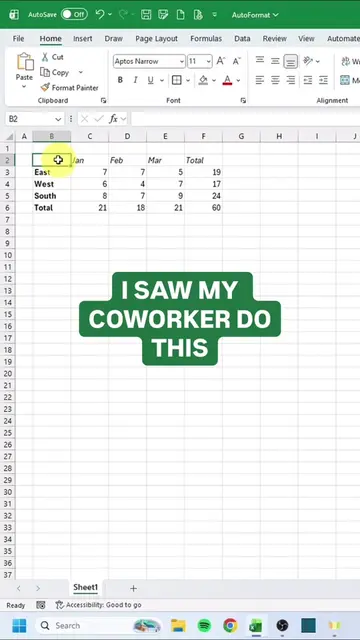
This video demonstrates how to use Excel's 'Geographical Data' feature to quickly find the capital cities of various countries. By converting a list of countries into geographical data, Excel automatically populates the capital cities, saving significant time compared to manual searching.
Connecter Excel à Bing ⚡️ Vous ne savez pas qu'Excel connaît la capitale de chaque pays ? 🤔 Une colonne avec des pays, je convertis en "Données géographiques", et hop, toutes les capitales apparaissent automatiquement. Aucune formule compliquée. Juste Excel qui fait le travail. #Excel #creator #exceltricks
Pour 18h : Renvoyer toutes les capitales !
Introduce the challenge: listing all capital cities by 6 PM.
Explain why manual searching (e.g., Google) is inefficient.
Demonstrate connecting Excel to the internet via the 'Data' tab.
Showcase the 'Geographical Data' conversion.
Illustrate how to extract specific information (capital cities) using the data.
Highlight the speed and efficiency of the method.
Excel ACTS - it is used to automatically retrieve capital cities for a list of countries, changing the video's outcome. Removing it would mean the task cannot be completed. Bing APPEARS - it is the data source for Excel's geographical data, but its interface is not operated and no specific result comes from it. Removing it would not change what happens in the video.
Playing this video’s own audio, so you’ll hear the creator over the sound.
Learn and practice dozens of Excel functions and tools online for free - from beginners to pro level, without the need to download any files.
All time.
Promotes 1 product. Create free account to see more.
Outliers and viral hits: their videos on Overshot, all time.