Loading video…
Sound

original sound - lexcelerateur
L’Excelérateur · Original audio
0:00–:––
Playing this video’s own audio, so you’ll hear the creator over the sound.
Hook
Posted Jul 11, 2026Video · 0:55by @lexcelerateur
The video provides a practical and easily applicable solution to a common Excel problem, using a clear demonstration and concise explanation. The use of visual cues like the '+' and '-' buttons for grouping and the hashtag #exceltricks further enhances its discoverability and utility.
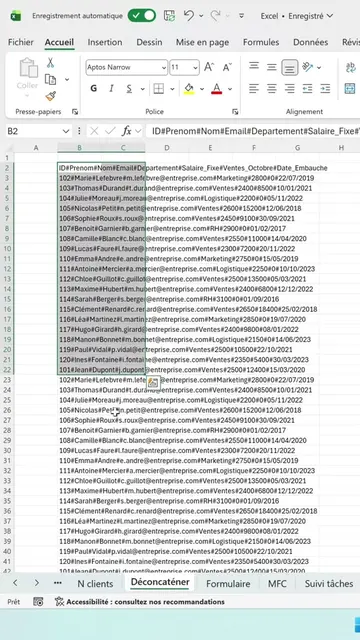
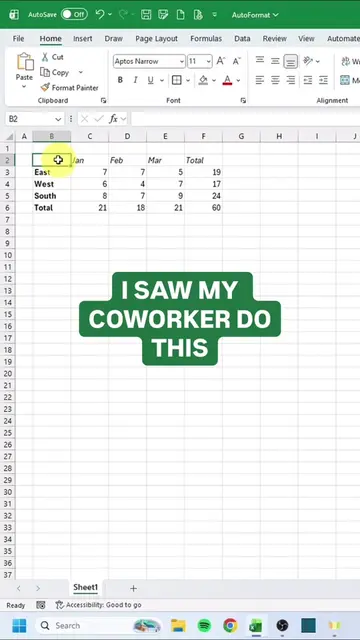
The video demonstrates how to group and hide columns in Excel using the 'Group' feature in the 'Data' tab. This method is presented as a more professional and controlled alternative to simply right-clicking and hiding columns, as it clearly indicates which columns are hidden and allows for easy expansion.
Arrêtez de masquer vos lignes/colonnes Excel, faites ça à la place : 1️⃣ Sélectionnez les lignes à regrouper 2️⃣ Onglet Données → Grouper 3️⃣ Un bouton + apparaît sur le côté du tableau C'est visible, c'est contrôlé, et ça donne un aspect bien plus professionnel à vos fichiers partagés. #excel #exceltips #creator #tuto #exceltricks
Arrêtez de masquer vos lignes/colonnes Excel, faites ça à la place :
Introduce the problem of hiding columns in Excel
Demonstrate the incorrect method (right-click hide)
Introduce the correct method (Data tab > Group)
Show the grouping and collapsing of columns
Explain the benefits (visibility, control, professionalism)
Excel ACTS — its interface is operated, it generates or edits something, a visible result comes from it, or someone says what it does for them. Removing it would change what happens in the video. None APPEARS — a corner watermark, a channel or studio logo, an end card, a credit, a name on clothing, a repost stamp.
Playing this video’s own audio, so you’ll hear the creator over the sound.
Promotes 1 product. Create free account to see more.
Outliers and viral hits: their videos on Overshot, all time.
Learn and practice dozens of Excel functions and tools online for free - from beginners to pro level, without the need to download any files.
All time.