Loading video…
Sound

original sound - lexcelerateur
L’Excelérateur · Original audio
0:00–:––
Playing this video’s own audio, so you’ll hear the creator over the sound.
The video provides a practical and efficient solution to a common business problem using a powerful but not widely known Excel function, making it highly valuable for users seeking to improve their spreadsheet skills.
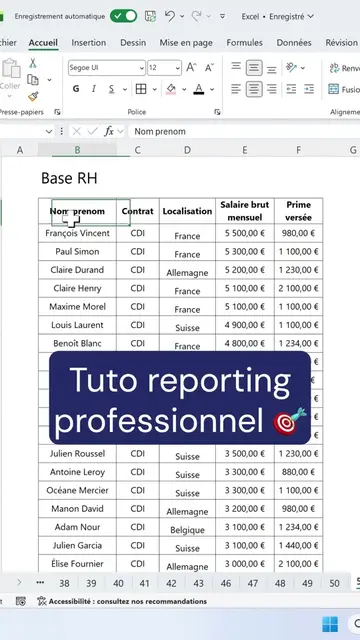
The video demonstrates how to use the DATEDIF function in Excel to calculate employee seniority. It explains how to input the start date, the current date using the AUJOURDHUI function, and specify 'Y' for years to get the exact seniority.
Calculer une durée entre deux dates ? DATEDIF ! 🔥 Une super-fonction Excel. C'est l'histoire d'une fonction qu'Excel ne documente même pas officiellement. 🤫 Et pourtant elle calcule l'ancienneté de vos salariés en 1 ligne : =DATEDIF(date début;AUJOURD'HUI();"Y") Date d'entrée, date du jour, et "Y" pour les années complètes. Et hop, l'ancienneté exacte de chaque salarié, automatiquement. ✅ #excel #exceltips #exceltricks #tuto #creator
Pour demain 9h :
Introduce the problem: calculating employee seniority
Introduce the DATEDIF function
Explain the arguments: start date, current date (AUJOURDHUI), and unit ('Y' for years)
Show the results of the calculation
Demonstrate adding units (e.g., 'ans') to the output
Excel (ACTS - spreadsheet software used to calculate employee seniority, removing it would change what happens in the video)
Playing this video’s own audio, so you’ll hear the creator over the sound.
Promotes 1 product. Create free account to see more.
Outliers and viral hits: their videos on Overshot, all time.
Learn and practice dozens of Excel functions and tools online for free - from beginners to pro level, without the need to download any files.
All time.