Loading video…
Sound

original sound - dataanalytics.07
Ali Data Analytics · Original audio
0:00–:––
Playing this video’s own audio, so you’ll hear the creator over the sound.
The video provides a practical and time-saving solution to a common problem in Excel, making it highly shareable among users who frequently deal with data entry and cleaning.
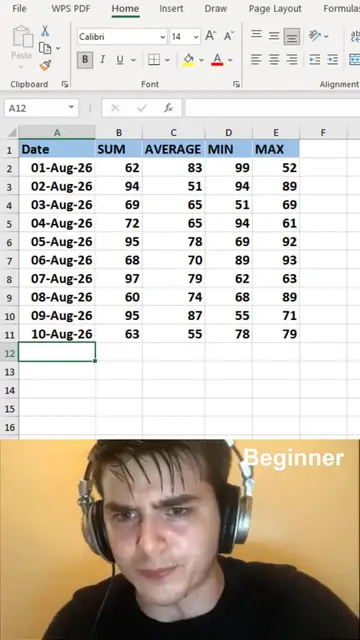
The video demonstrates a quick Excel trick to fill blank cells instantly using "Go To Special" functionality. This method is presented as a way to save time and efficiently clean datasets.
The Smartest Way to Fill Blank Cells in Excel Stop filling empty cells manually. Use this quick Excel trick to complete your data in seconds. In this Excel tip, you will learn how to: Select all blank cells instantly Fill missing values automatically Use Excel shortcuts to save time Clean and organize datasets faster This technique is useful for: Data cleaning Reports and dashboards Large spreadsheets Data analysis projects Small Excel tricks can save hours of repetitive work and make your workflow more efficient. Follow Ali Data Analytics for more: Excel Tips & Tricks Power BI Tutorials Data Analytics Skills Productivity Hacks #Excel #ExcelTips #ExcelTricks #MicrosoftExcel #Spreadsheets #LearnExcel #OfficeTips #DataAnalytics #ExcelTutorial #Productivity #AliDataAnalytics
MS Excel
Show data with blank cells
Demonstrate manual filling
Introduce "Go To Special" shortcut
Select blank cells
Fill blanks with 'Nil'
Fill blanks with 'Ctrl+Enter'
MS Excel: it is the software used to create and manipulate the data table shown in the video. Removing it would change what happens in the video.
Playing this video’s own audio, so you’ll hear the creator over the sound.
Promotes 5 products. Create free account to see more.
Outliers and viral hits: their videos on Overshot, all time.
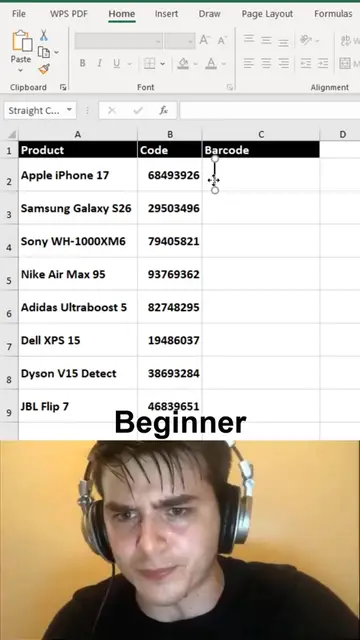
MS Excel is a spreadsheet software used to demonstrate various tricks and methods for data manipulation, including barcode generation and calendar creation.
All time.