Loading video…
Sound

original sound - trucs_astuces5
Trucs | Astuces · Original audio
0:00–:––
- Videos using it
- 5
- Views on those videos
- 3.3M
Hook
Posted Jul 4, 2026Video · 1:07by @france.tech96
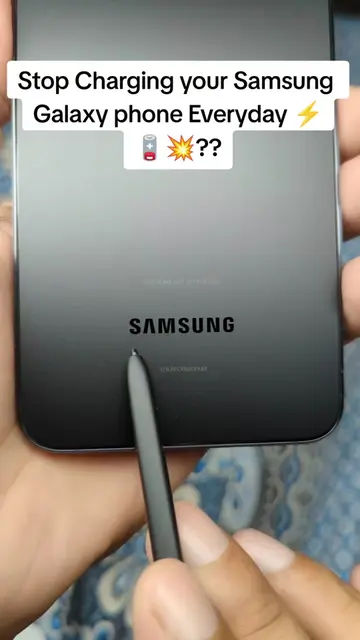
The video provides practical, actionable tips for a common pain point (battery life) on a popular device (Samsung phones), using clear on-screen instructions and a direct, concise explanation.
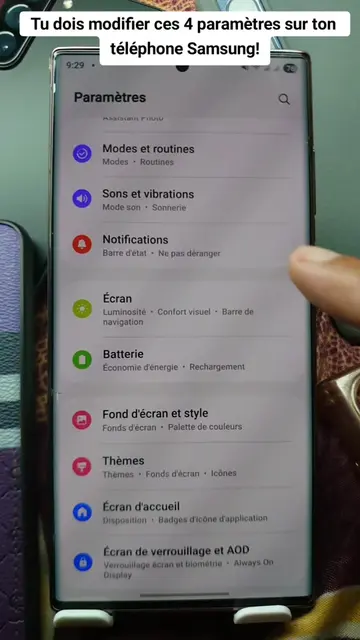
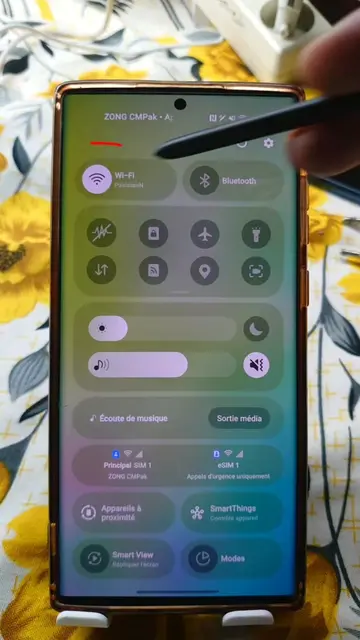
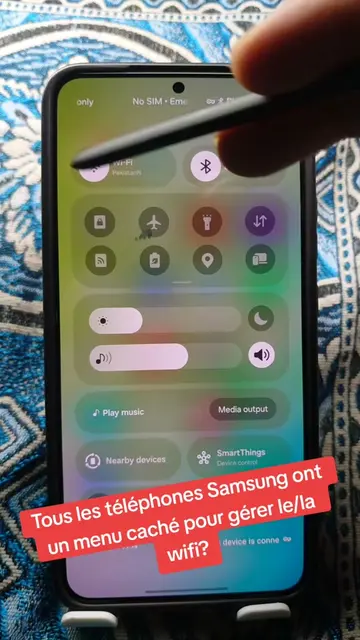
This video explains how to optimize your Samsung phone's battery life by adjusting four settings. It guides viewers through disabling personalization services, managing data usage, selecting a basic performance mode, and enabling background app restrictions.
Tu dois modifier ces 4 paramètres sur ton téléphone Samsung! #battery #settings #samsung #LearnOnTikTok #tipsandtricks
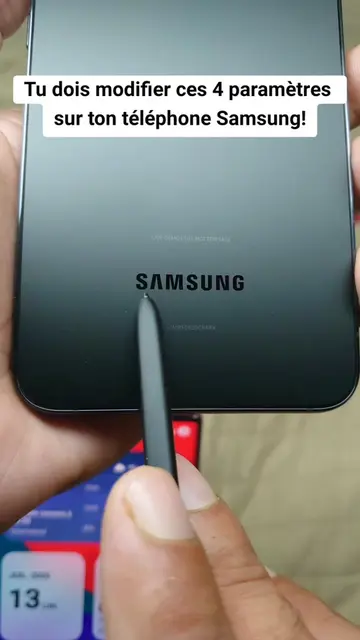
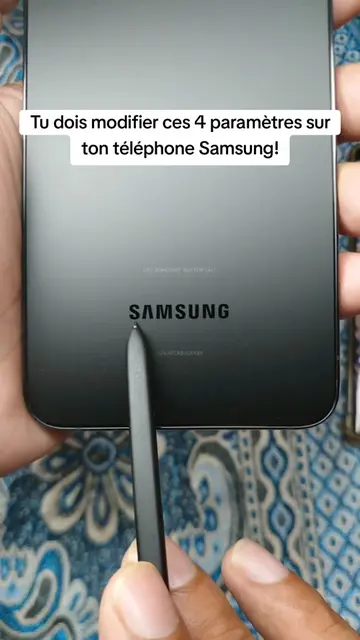
Tu dois modifier ces 4 paramètres sur ton téléphone Samsung!
Introduction: Don't charge daily, it's bad for battery.
Navigate to 'Digital Wellbeing' settings.
Disable 'Personalization Service' and 'Usage Data Access'.
Go to 'Device Maintenance' and set performance to 'Basic'.
In 'Battery' settings, enable 'Unused apps in sleep mode'.
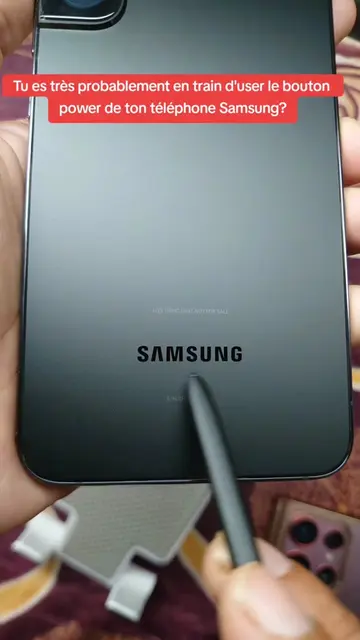
Samsung: (a) it ACTS - it is the phone being operated on, its settings are being modified, and its performance and battery life are being discussed. Removing it would change what happens in the video. (b) it merely APPEARS - the logo is visible on the back of the phone.
Promotes 2 products. Create free account to see more.
Outliers and viral hits: their videos on Overshot, all time.
Discover the latest in electronic & smart appliance technology with Samsung. Find the next big thing from smartphones & tablets to laptops & tvs & more.
All time.