Loading video…
Sound

original sound - smart.tech188
smart tech · Original audio
0:00–:––
Playing this video’s own audio, so you’ll hear the creator over the sound.
The video solves a common desire for phone personalization with a clear, step-by-step tutorial that makes the process feel accessible and easy to replicate.
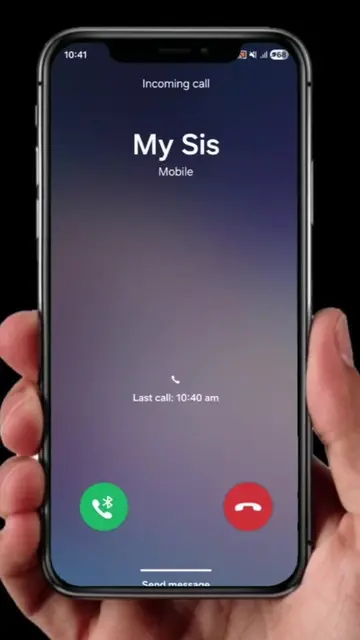
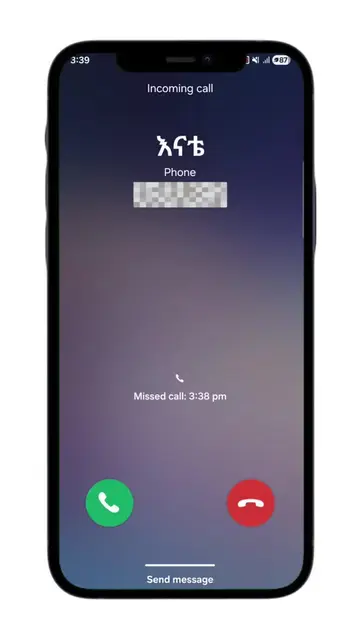
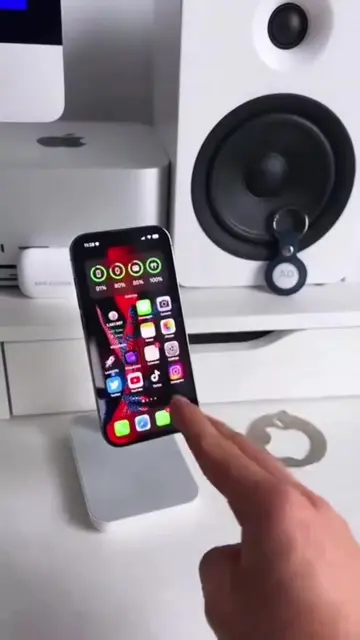
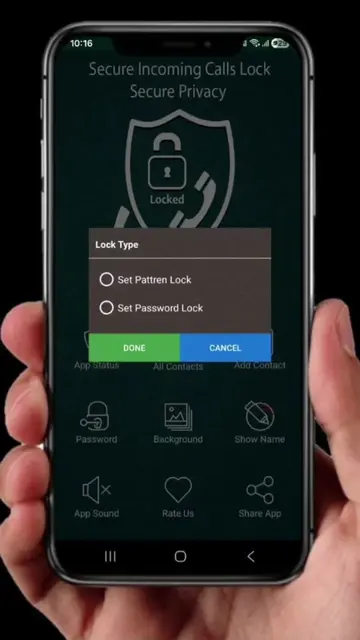
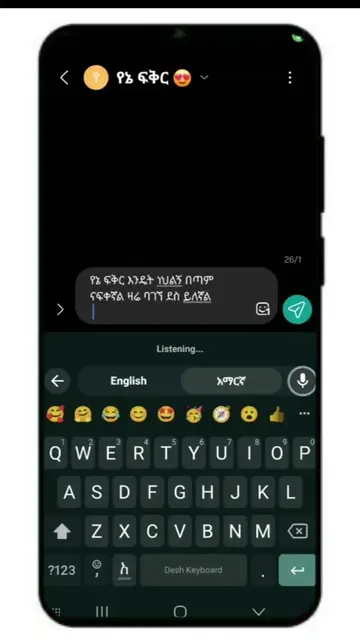
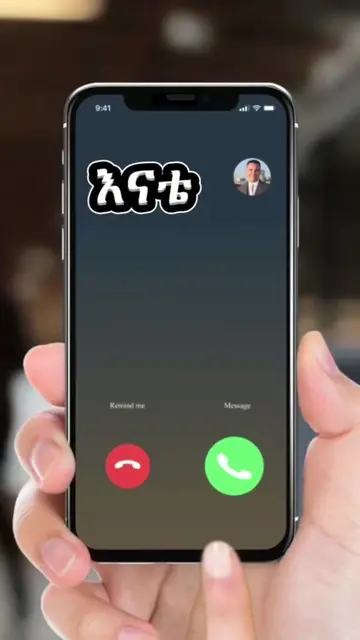
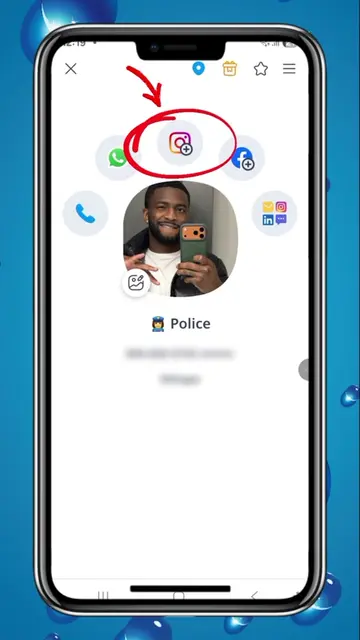
The video demonstrates how to customize incoming call screens on an Android phone using an app called Konark Plus. It provides a step-by-step tutorial on finding, installing, and configuring the app to display personal photos or videos when receiving calls.
Stop using the default call screen! Customize your incoming calls with your favorite photo or video and give your phone a fresh new look. #androidtips AndroidTips #callscreen #phonetips #hiddenfeatures #smartphonetips
ስልክ ሲደወልላችሁ ልክ እንደዚህ
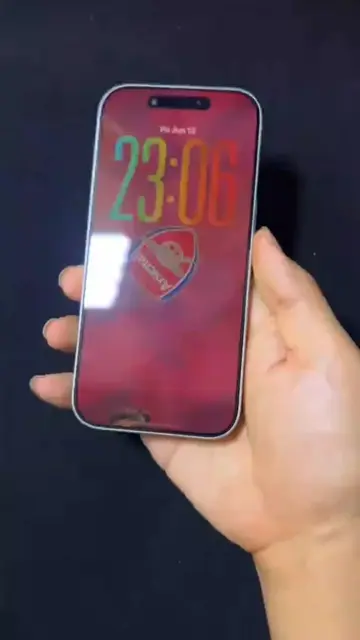
Showcasing the custom call screen feature
Explaining the goal of the tutorial
Searching for the app on the Play Store
Installing and opening the app
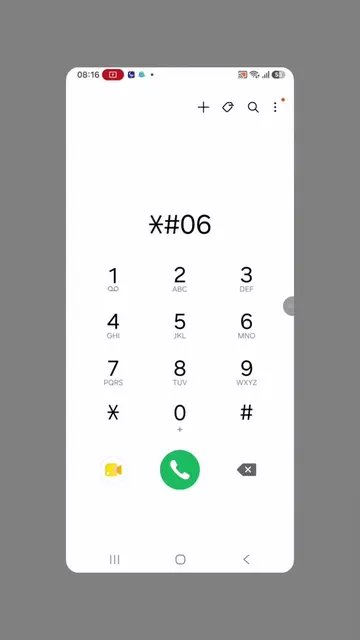
Searching for the specific call screen theme
Configuring the background with a personal photo or video
Konark Plus app is the main subject of the tutorial.
ቪዲዮውን ላይክ አካውንቱን ፎሎ እና በኮሜንት አንድ ቁጥርን በመጻፍ ጀምሩ።
Playing this video’s own audio, so you’ll hear the creator over the sound.
Promotes 6 products. Create free account to see more.
Outliers and viral hits: their videos on Overshot, all time.
Phone app for setting custom call ringtones and caller backgrounds
All time.