Loading video…
Sound

original sound - thesphelpdesk
Therman | SharePoint · Original audio
0:00–:––
Playing this video’s own audio, so you’ll hear the creator over the sound.
This video promotes it, but we haven’t matched it to a product page yet, so there are no product figures.
The video provides a practical, step-by-step demonstration of a common HR process using a specific tool (SharePoint), addressing a clear pain point for employees and HR professionals. The use of on-screen text and clear visuals makes the information easily digestible and shareable.
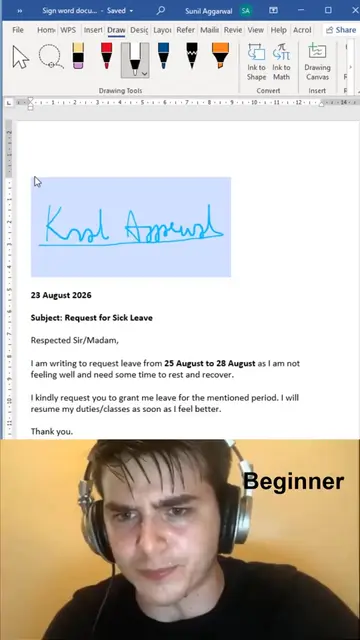
The video demonstrates how to use SharePoint to manage and digitally sign employee handbooks, contrasting it with less efficient methods like DocuSign, PDFs, or Word documents. It shows the process of acknowledging the handbook through a digital form and receiving a confirmation email.
#sharepoint #employeehandbook #hr #executiveadmin
Digital Signatures
Introduction to digital signatures and preferred tools
Demonstration of SharePoint for employee handbooks
Navigating and acknowledging the employee manual
Confirmation of submission and email notification
SharePoint: ACTS - it is used to host and manage an employee handbook, which is then digitally signed. Removing it would change what happens in the video. DocuSign: APPEARS - mentioned as an alternative that is not used. Removing it would not change what happens in the video. PDF: APPEARS - mentioned as an alternative that is not used. Removing it would not change what happens in the video. Word doc: APPEARS - mentioned as an alternative that is not used. Removing it would not change what happens in the video. Redwood Insurance: ACTS - it is the company whose employee handbook is being managed and signed. Removing it would change what happens in the video. Microsoft Lists: ACTS - it is the platform used to create the employee manual acknowledgement form. Removing it would change what happens in the video.
Playing this video’s own audio, so you’ll hear the creator over the sound.
Promotes 1 product. Create free account to see more.
Outliers and viral hits: their videos on Overshot, all time.