Loading video…
Sound

original sound - dataanalytics.07
Ali Data Analytics · Original audio
0:00–:––
Playing this video’s own audio, so you’ll hear the creator over the sound.
The video provides a quick, practical tip for a common task in a widely used software, appealing to users looking to improve their document creation efficiency.
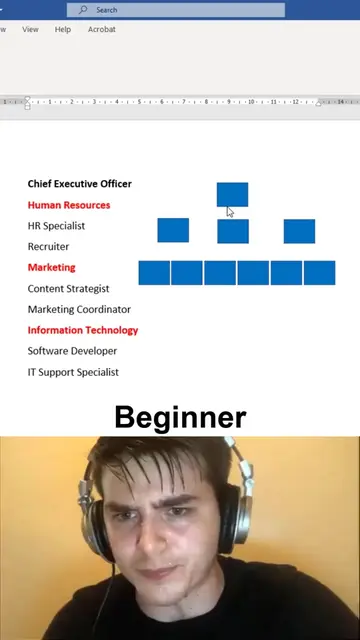
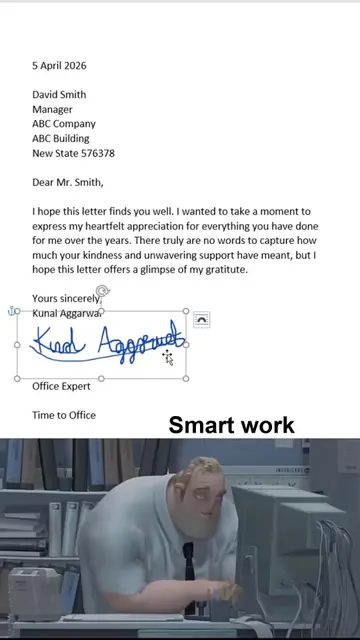
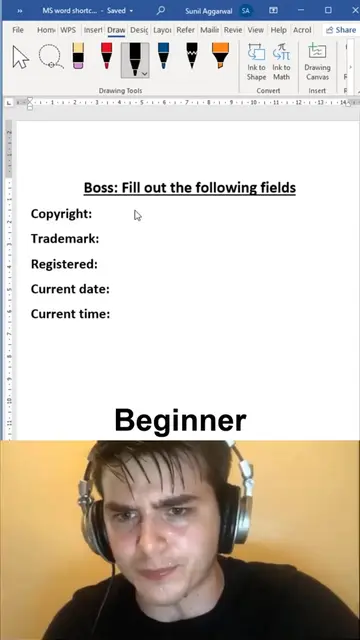
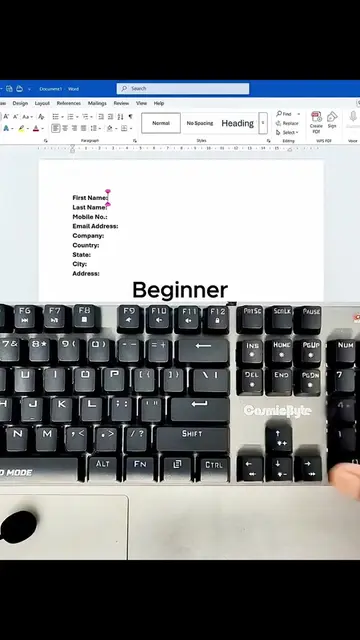
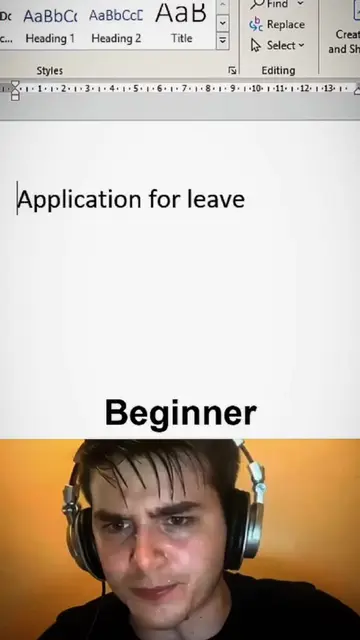
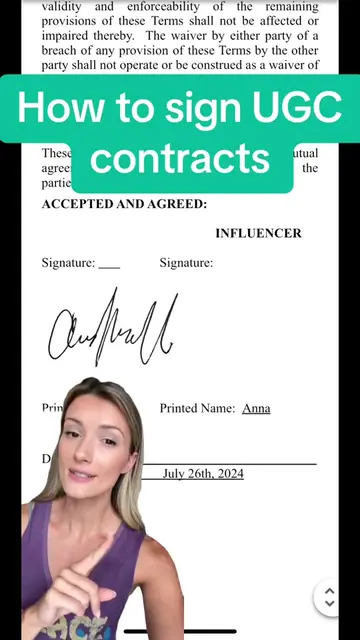
The video demonstrates how to digitally sign a Word document by drawing a signature and then adjusting its layout options to position it correctly within the document. It contrasts a 'beginner' approach with a 'pro' approach to this task.
Sign word documents digitally - easy method! 🤯 #wordtips #documents #office
Sign word docs
Show a Word document with a drawn signature
Demonstrate beginner signature placement
Show 'Pro' perspective
Demonstrate advanced layout options for signature
Finalize signature placement
Microsoft Word: ACTS - it is used to create and edit a document, and its features (drawing, layout options) are demonstrated. Removing it would change what happens in the video. Microsoft Excel: APPEARS - mentioned in the creator's bio as a topic they cover, but not used in this video. Removing it would not change what happens in the video.
Playing this video’s own audio, so you’ll hear the creator over the sound.
Promotes 5 products. Create free account to see more.
Outliers and viral hits: their videos on Overshot, all time.
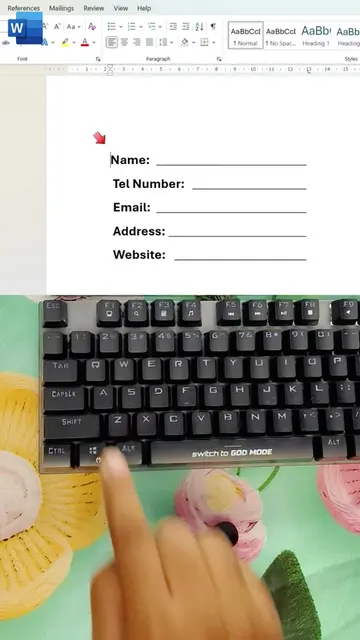
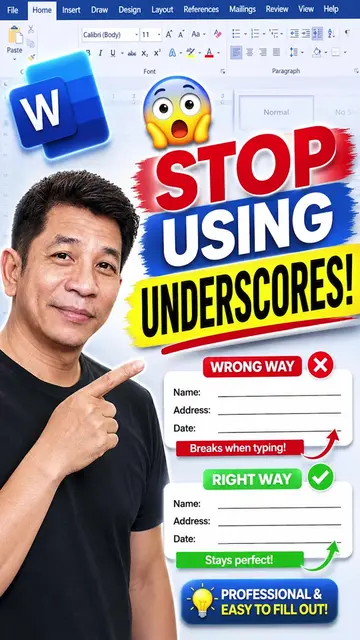
Microsoft Word is a word processing software used to add signatures, create fillable lines, format tables, and insert various line styles into documents.
Views and creators: posted in the last 30 days (English videos). Videos: all time.