Loading video…
Sound

original sound - dataanalytics.07
Ali Data Analytics · Original audio
0:00–:––
Playing this video’s own audio, so you’ll hear the creator over the sound.
The video provides practical and immediately useful keyboard shortcuts for Windows users, presented in a clear, concise, and visually guided format. This direct utility makes it highly shareable among users looking to improve their computer efficiency.
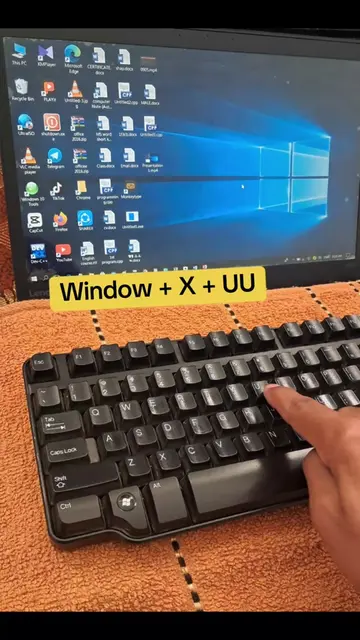
This video demonstrates five essential Windows keyboard shortcuts to enhance productivity and troubleshoot common issues. It covers taking screenshots, screen recording, voice typing, refreshing drivers, and shutting down the PC.
Keyboard shortcuts you must know 🚨🚨 Work smart, Not hard 💻 Follow Ali Data Analytics for more informative videos. #techreels #keyboardshortcuts #pcskills
1.Snipping Tool win+shift+s
Introduce Snipping Tool shortcut
Demonstrate Screen Recording shortcut
Show Voice Typing shortcut
Explain Driver Refresh shortcut
Guide on Shutdown shortcut
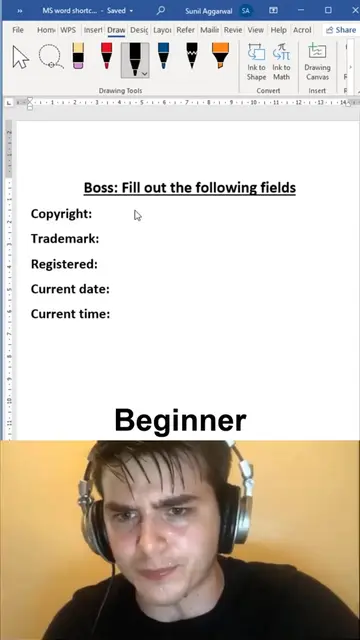
Windows: it is the operating system on which the demonstrated features (Snipping Tool, Screen Recording, Voice Typing, Driver Refresh, Shutdown) are accessed and operated. Removing it would change what happens in the video. Microsoft Word: it is the application where Voice Typing is demonstrated. Removing it would change what happens in the video.
Follow Ali Data Analytics for more informative videos.
Playing this video’s own audio, so you’ll hear the creator over the sound.
Promotes 5 products. Create free account to see more.
Outliers and viral hits: their videos on Overshot, all time.
Experience the Windows difference | Microsoft Windows
All time.