Loading video…
All breakouts 5 videos3 creators
34.5Talking HeadHow-To hookSaaS
Hook
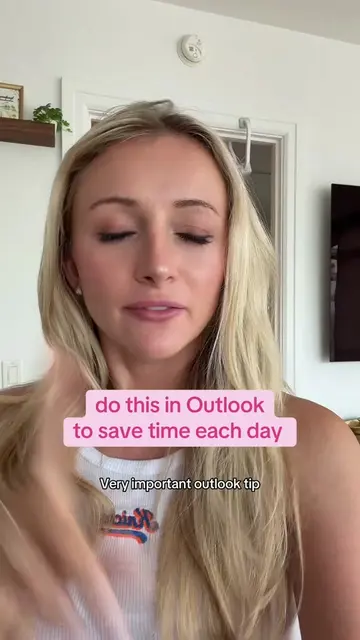
best kept Outlook secret
@kellyn_mcmullan
181.4K followers · usually 3.2K views a post
Views
151.1K
Likes
8.9K
Comments
64
Shares
1.5K
Promoted product
Outlook
Why it worked
The video provides a high-utility, 'hidden' feature for a widely used professional tool, making it highly shareable for office workers looking to improve productivity.
Summary
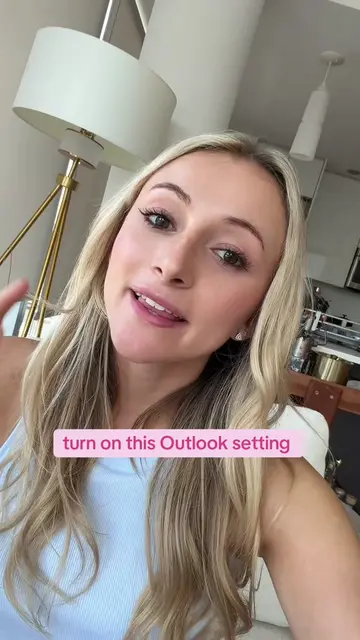
The creator demonstrates a productivity hack for Microsoft Outlook where users can drag an email directly onto their calendar to create a scheduled task. This action automatically creates an event and attaches the original email for easy reference.
Structure
- 1Identify the target audience
- 2State the problem of missed tasks
- 3Demonstrate the drag-and-drop feature
- 4Show the resulting calendar event
- 5Provide a call to action
Original caption
Replying to @katiestokss stop letting important emails get buried and forgotten 👀 drag it straight to your outlook calendar and it creates an event with the full email attached never miss a follow-up again ✨ #outlook #productivity #corporategirl #emailhacks #worklife
More from @kellyn_mcmullan
More breakout videos from this creator.