Loading video…
All breakouts
16.3Talking HeadOther hookConsumer Apps
Hook
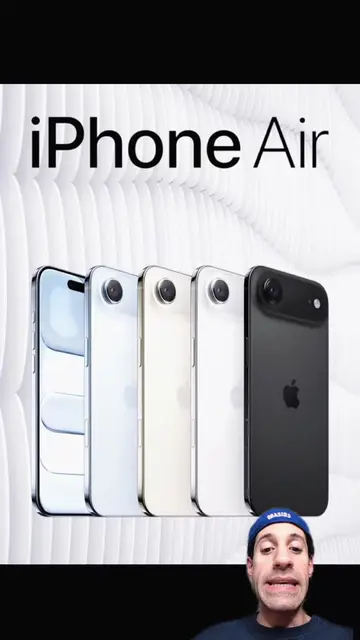
Apple just dropped the ability to play DVDs in MacOS 27.
@tiktalktech
12.9K followers · usually 1.7K views a post
Views
28.0K
Likes
1.2K
Comments
60
Shares
64
Promoted product
External DVD Drive
Why it worked
The video taps into nostalgia and a common pain point for users with physical media collections who are transitioning to newer devices without optical drives. It offers a practical and accessible solution, making it highly relevant and shareable.
Summary
This video explains how to play DVDs and Blu-rays on Mac computers after Apple removed built-in DVD drives. It suggests using an external USB DVD drive and a third-party player like VLC Media Player.
Structure
- 1Apple removes DVD playback from macOS
- 2Showcases large DVD/Blu-ray collections
- 3Introduces external DVD drives as a solution
- 4Recommends VLC Player for playback
- 5Asks viewers about their media habits
Product placement
Apple (company): appears as a watermark and logo on the MacBook Air and iMac G3. Removing it would not change what happens in the video.
MacBook Air (laptop): appears on screen. Removing it would not change what happens in the video.
iMac G3 (computer): appears on screen. Removing it would not change what happens in the video.
Mac OS (operating system): mentioned as the operating system for Apple computers. Removing it would not change what happens in the video.
DVD (disc format): appears on screen and is discussed. Removing it would not change what happens in the video.
Blu-ray (disc format): mentioned in the transcript. Removing it would not change what happens in the video.
MacBook Pro (laptop): appears on screen. Removing it would not change what happens in the video.
External DVD Drive (computer peripheral): appears on screen and is discussed. Removing it would change what happens in the video.
VLC Player (media player software): appears on screen and is discussed. Removing it would change what happens in the video.
Amazon (online marketplace): mentioned as a place to buy external DVD drives. Removing it would not change what happens in the video.
Original caption
Apple just dropped the ability to play DVDs in MacOS 27. If you still have a DVD or Blu-ray collection, here's a hack you can use to still play them on your Mac desktop or MacBook! #apple #dvd #movie #collection #macbook
More from @tiktalktech
More breakout videos from this creator.