Loading video…
Sound

original sound - theartcoach
The Art Coach · Original audio
0:00–:––
The video directly addresses a common pain point for artists (messy crosshatching) and provides a clear, actionable solution with a visual demonstration. The creator's expertise and the direct call to action for a relevant course likely drove engagement.
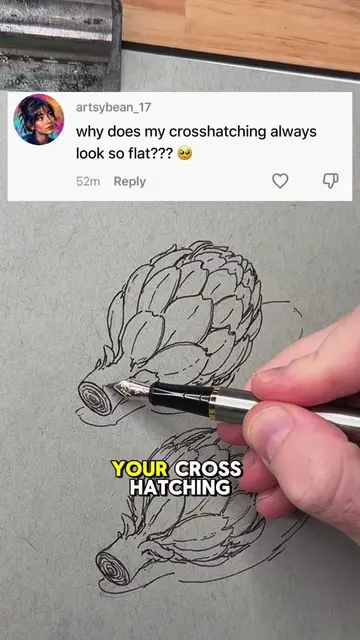
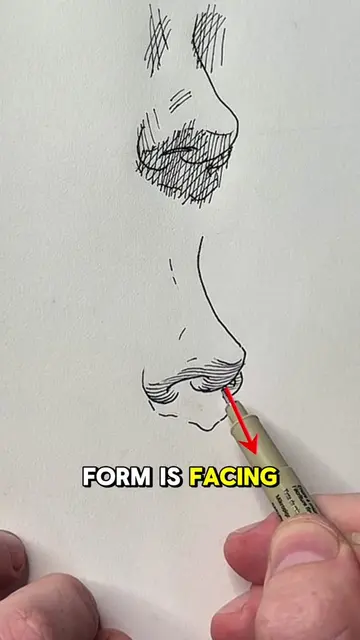
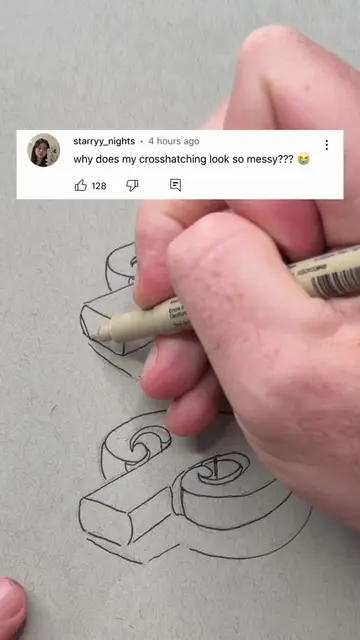
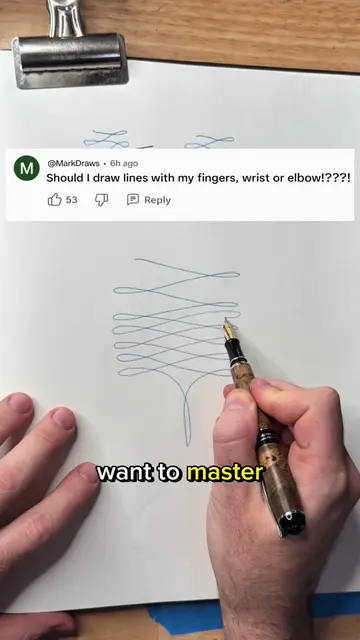
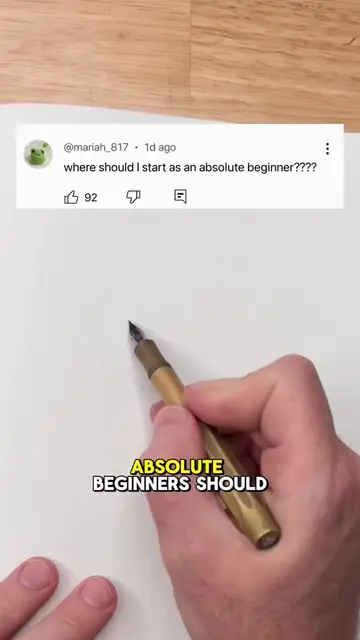
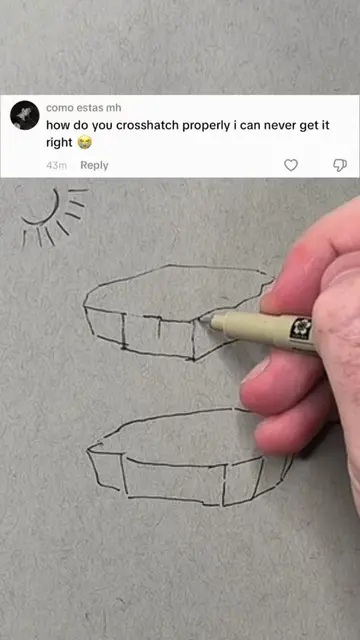
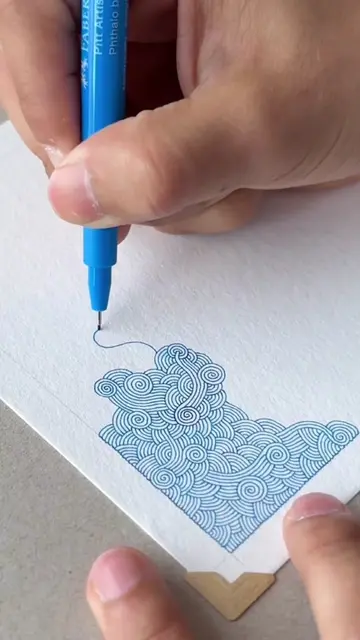
The video explains how to improve crosshatching by focusing on evenly spaced, parallel lines that follow the form of the object. It contrasts messy crosshatching with a cleaner, more intentional approach, suggesting that messy lines are a skill issue rather than a style choice. The creator then invites viewers to tap the link in their bio to start a drawing drills course.
Tap the link in my bio to start the drawing drills course The biggest mistake I see with crosshatching isn’t the direction of the lines. It’s the spacing. If your hatch marks bunch together in some places and spread apart in others, the value becomes patchy and distracting. Instead, think of each pass as a series of evenly spaced, parallel lines. The darkness comes from adding another controlled layer, not from scribbling harder or making the spacing random. Clean crosshatching isn’t about drawing more lines. It’s about drawing better ones. Master even spacing, and your drawings will instantly look cleaner, more controlled, and more professional.
YOUR CROSS HATCHING
Demonstrating messy crosshatching and explaining why it looks bad
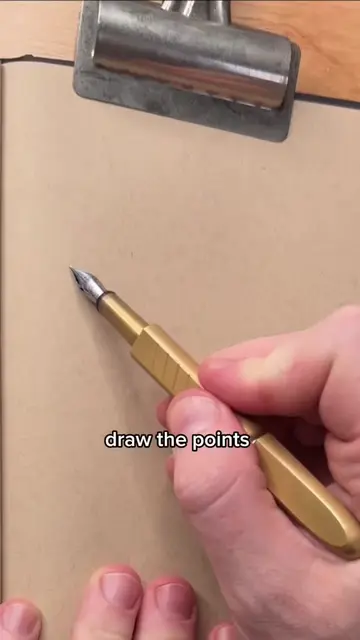
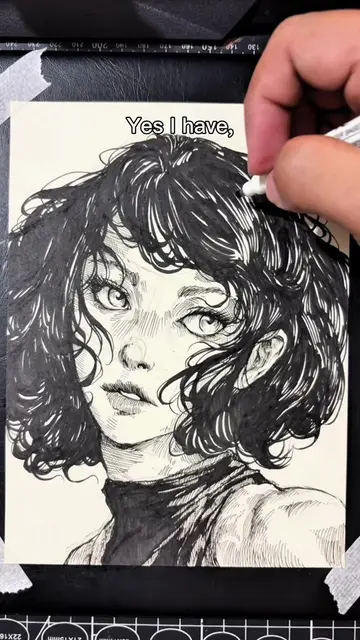
Demonstrating clean crosshatching with proper technique
Explaining the importance of consistent spacing and parallel lines
Comparing messy crosshatching to a skill issue
Call to action for a drawing course
Micron 03 (ACTS - used to draw, its interface is operated, a visible result comes from it, removing it would change what happens in the video); The Art Coach (ACTS - creator's brand, likely the entity selling the course, removing it would change what happens in the video)
Tap the link in my bio to start the drawing drills course
Outliers and viral hits: their videos on Overshot, all time.
Drawing practice course for artists building line quality and foundational skills
All time.