Loading video…
Sound

original sound - a2zmobilehouse7
A2Z Mobile House · Original audio
0:00–:––
Playing this video’s own audio, so you’ll hear the creator over the sound.
The video provides a practical and easy-to-follow tutorial on a useful phone customization feature, directly addressing a common user desire for faster access to frequently used functions. The clear, step-by-step demonstration and the use of a popular app category (utility/productivity) likely contributed to its engagement.
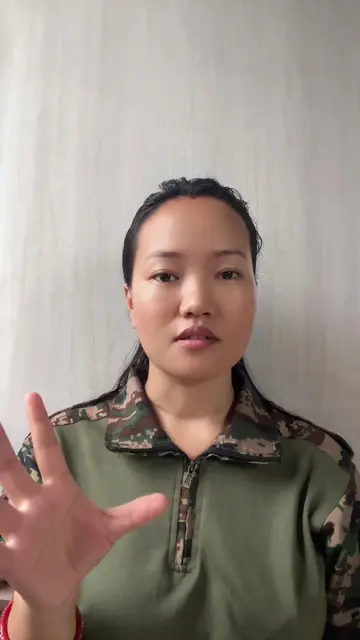
The video demonstrates how to use the Action Notch app to customize phone gestures like single tap, double tap, and long press for quick actions such as opening the camera, taking screenshots, and toggling the flashlight. It provides a step-by-step guide on installing and configuring the app through the Google Play Store and device settings.
these tricks will make your work much faster #fypシ #a2zmobilehouse #tricks #tips
जस्तै
Introduction to gesture shortcuts
Demonstrate camera, screenshot, and flashlight shortcuts
Guide to installing Action Notch from Play Store
Configure app permissions and settings
Assign actions to single tap, double tap, and long press
Call to action to follow for more tips
A2Z MOBILE HOUSE (appears, logo on lanyard, removing it would not change what happens in the video) Action Notch (acts, it is an app that allows users to customize notch gestures, removing it would change what happens in the video)
Follow our TikTok account
Playing this video’s own audio, so you’ll hear the creator over the sound.
Promotes 6 products. Create free account to see more.
Outliers and viral hits: their videos on Overshot, all time.
Android utility app that assigns quick actions to phone gestures
All time.