Loading video…
All breakouts 6 videos2 creators
4.5Text-HeavyEducation
Hook
H2O
@myanmarpyi.technology
235.2K followers · usually 1.3K views a post
Views
18.0K
Likes
1.3K
Comments
0
Shares
65
Promoted product
MS Word
MS Word is a software application used to create documents, including tables and various types of lines.
Why it worked
The video provides a quick and practical tip for a common task in a widely used software, making it highly shareable and useful for a broad audience.
Summary
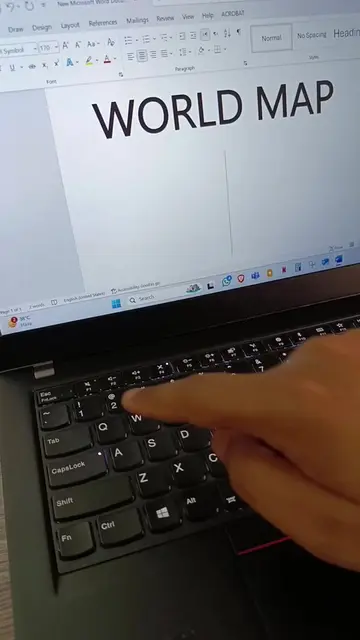
The video demonstrates how to quickly create superscripts and subscripts in Microsoft Word using keyboard shortcuts. It shows the "H2O" example for subscript and "Mg2+" for superscript.
Structure
- 1Show H2O on screen
- 2Demonstrate Ctrl + = for subscript
- 3Show Mg2+ on screen
- 4Demonstrate Ctrl + Shift + = for superscript
Product placement
MS Word ACTS - it is used to demonstrate how to create superscripts and subscripts. Removing it would change what happens in the video.
Original caption
Microsoft Word တွင် အပေါ်ထပ် Super Script နှင့် အောက်ခြေ Sub Script အမြန်လုပ်နည်း
More from @myanmarpyi.technology
More breakout videos from this creator.