Loading video…
Sound

original sound - dataanalytics.07
Ali Data Analytics · Original audio
0:00–:––
Playing this video’s own audio, so you’ll hear the creator over the sound.
The video provides a quick and practical tutorial on a common software feature, offering a useful tip that can be immediately applied by viewers to improve their document formatting.
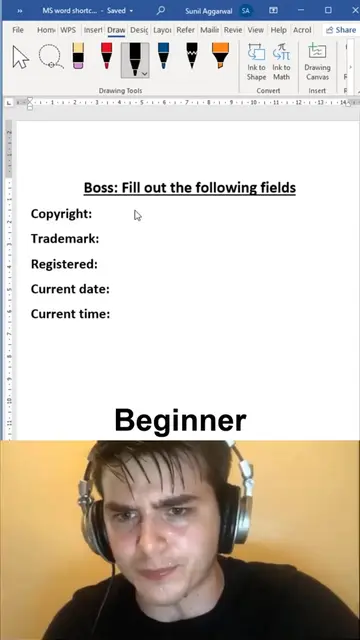
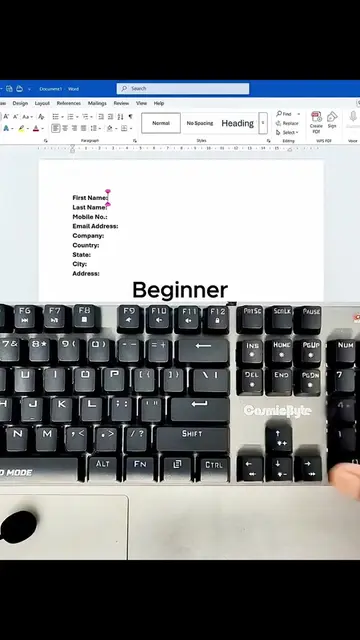
This video demonstrates three different underline styles in Microsoft Word: double underline, words only underline, and dotted underline. It shows the keyboard shortcuts for applying double underline and words only underline, and how to access different underline styles through the font settings.
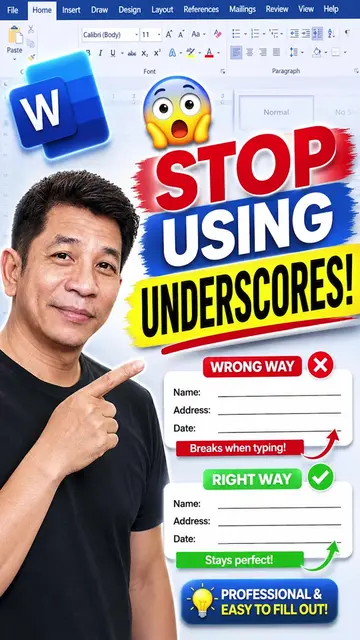
Most people use the underline feature in Microsoft Word every day, but very few know that there are different underline styles that can make documents look cleaner and more professional. In this quick tip, you'll learn 3 useful underline tricks that can improve the way you format headings, signatures, forms, and important text in your documents. Small Microsoft Word tricks like these can save time and help your work stand out, whether you're creating reports, assignments, resumes, or business documents. The best way to improve your productivity isn't by working harder, it's by learning smarter techniques that most people overlook. Which Microsoft Word trick has saved you the most time? Share it in the comments. If you're interested in learning practical Microsoft Office, Advanced Excel, Power BI, SQL, Python, and Data Analytics with real-world projects, comment INTERESTED to learn more. #MicrosoftWord #WordTips #MSWord #OfficeTips #DocumentFormatting #Productivity #MicrosoftOffice #Office365 #WordHacks #Excel
MS Word
Showcase different underline styles
Demonstrate keyboard shortcuts
Show font settings for underlines
Apply dotted underline
MS Word: ACTS - it is the software interface where the user demonstrates how to apply different underline styles. Removing it would change what happens in the video.
Playing this video’s own audio, so you’ll hear the creator over the sound.
Promotes 5 products. Create free account to see more.
Outliers and viral hits: their videos on Overshot, all time.
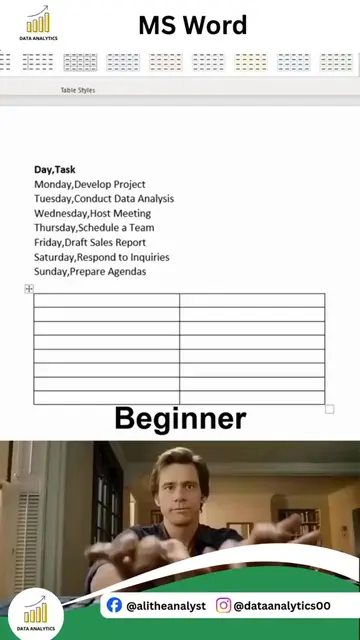
MS Word is a software application used to create documents, including tables and various types of lines.
All time.