Loading video…
Sound

original sound - dataanalytics.07
Ali Data Analytics · Original audio
0:00–:––
Playing this video’s own audio, so you’ll hear the creator over the sound.
The video provides quick, actionable tips for a widely used software, making it highly shareable and useful for a broad audience. The use of visual demonstrations and clear on-screen text ensures easy comprehension and application of the tricks.
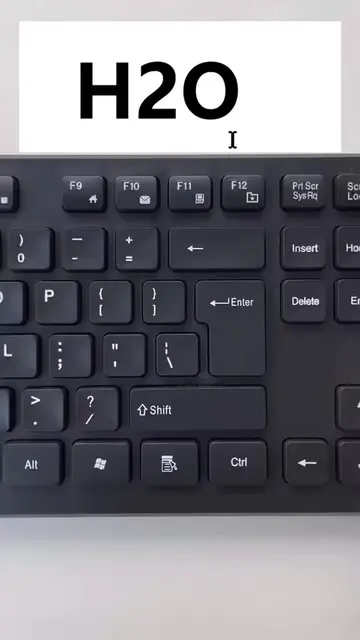
This video demonstrates how to create different types of lines in Microsoft Word using keyboard shortcuts. It shows how to make triple, double, single, bold, dotted, and zigzag lines by typing specific character combinations and pressing Enter.
6 COOL LINE STYLES YOU DIDN'T KNOW EXISTED IN WORD Most people only use plain lines in Microsoft Word. But did you know Word has multiple built-in line styles that can instantly make your documents look more professional? In this quick tutorial, you'll learn how to add stylish lines that improve the appearance of reports, resumes, proposals, assignments, and business documents. What you'll learn: • Decorative line styles in Word • Professional document formatting tricks • Faster ways to separate sections • Clean and modern document design • Hidden Microsoft Word features Why use custom line styles? • Make documents look professional • Improve readability • Highlight important sections • Create attractive reports • Impress clients and employers Perfect for: • Students • Office Professionals • Freelancers • Business Owners • Report Writers • Content Creators Small formatting tricks can make a huge difference in how your documents look and how people perceive your work. Work smarter and create professional-looking documents in minutes. If you want to learn Excel, Word, PowerPoint, Power BI, SQL, Python, and Data Analytics from beginner to advanced level, type "Interested" in the comments. For Training and Professional Data Analytics Services: alidataanalytics.com #MicrosoftWord
MS Word Tricks
Introduce MS Word tricks for line styles
Demonstrate creating a triple line
Demonstrate creating a double line
Demonstrate creating a single line
Demonstrate creating a bold line
Demonstrate creating a dotted line
Demonstrate creating a zigzag line
MS Word: it is an application that is operated to create documents. It ACTS. Removing it would change what happens in the video. DATA ANALYTICS: This is the name of the creator's brand, appearing as a watermark. It merely APPEARS. Removing it would not change what happens in the video.
Playing this video’s own audio, so you’ll hear the creator over the sound.
Promotes 5 products. Create free account to see more.
Outliers and viral hits: their videos on Overshot, all time.
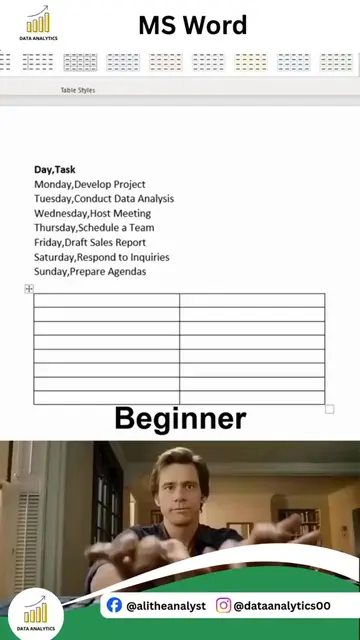
MS Word is a software application used to create documents, including tables and various types of lines.
All time.