Loading video…
All breakouts 6 videos2 creators
3.5Text-HeavyOther hookEducation
Hook
MS Word
@dataanalytics.07
139.0K followers · usually 3.6K views a post
Views
6.9K
Likes
178
Comments
1
Shares
17
Promoted product
MS Word
MS Word is a software application used to create documents, including tables and various types of lines.
Why it worked
The video provides a practical, time-saving tip for a widely used software, presented in a clear and concise manner with a direct comparison between slow and fast methods.
Summary
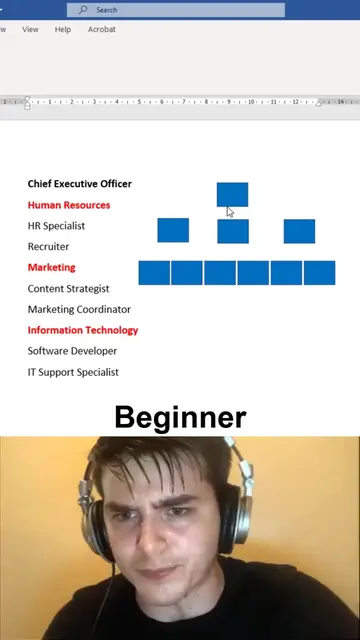
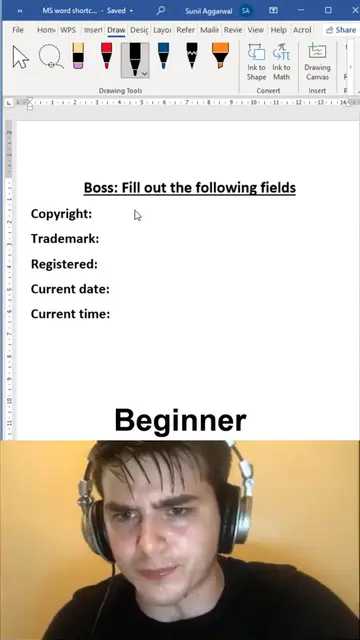
The video demonstrates a quick method for creating dotted lines in Microsoft Word using tab stops, contrasting it with slower, manual methods. It shows how to set up tabs to automatically generate dotted lines for form fields.
Structure
- 1Show slow method of creating lines in Word
- 2Introduce fast method using tabs
- 3Select text and open paragraph settings
- 4Set tab stop for dotted line
Original caption
Everyone Should Know This MS Word Dotted Line Trick 🤯 Most people waste time pressing -, _, or . again and again to create lines in Microsoft Word. There's a much faster and cleaner way. Here are some built-in line shortcuts: • Type --- and press Enter → Creates a horizontal line. • Type === and press Enter → Creates a double line. • Type *** and press Enter → Creates a dotted line. • Type ___ and press Enter → Creates a bold line. • Type ### and press Enter → Creates a triple line. • Type ~~~ and press Enter → Creates a wavy line. These shortcuts are perfect for: Reports Assignments Professional documents Letters Resumes Office documentation Small Microsoft Word tricks like this can save hours over time and make your documents look much more professional. If you want to master Microsoft Word, Advanced Excel, Power BI, SQL, and Python with practical projects and 1:1 guidance, comment INTERESTED, and we will reach out to you. #MSWord #WordTips #MicrosoftWord #OfficeTips #Productivity #DocumentFormatting #Office365 #ComputerSkills #Excel #PowerBI #SQL #Python #DataAnalytics #Learning #AliDataAnalytics
More from @dataanalytics.07
More breakout videos from this creator.