Loading video…
Sound
SNAP
Rosa Linn
0:00–:––
- Videos using it
- 4
- Creators
- 2
- Views on those videos
- 1.4M
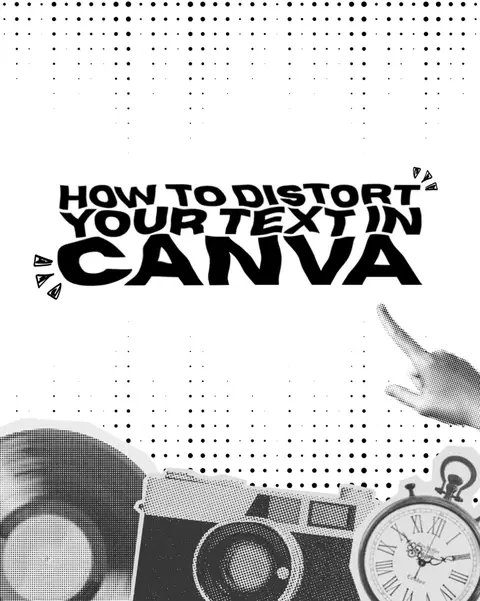
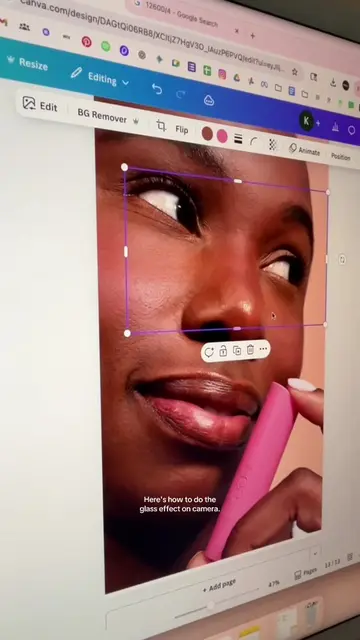
The video provides a quick and practical tutorial on a specific design effect within a popular platform (Canva), making it easily replicable and valuable for users looking to enhance their designs.
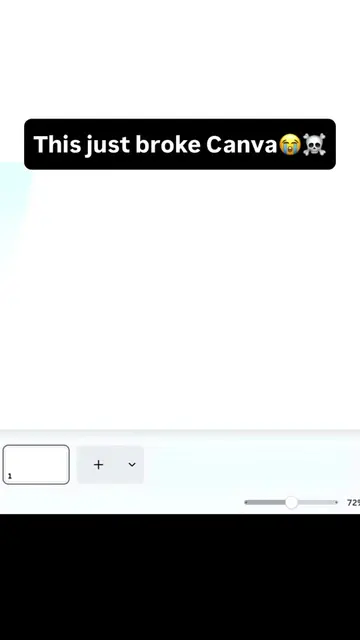
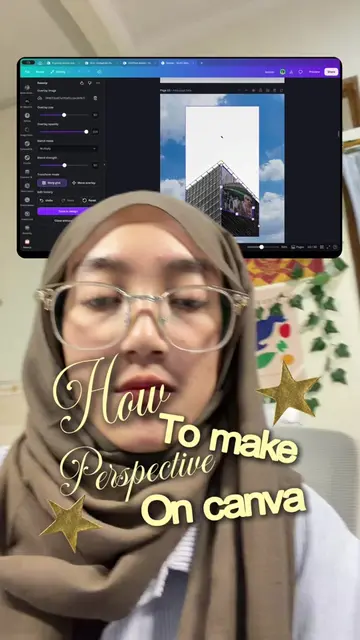
The video demonstrates how to use the Distortly app within Canva to apply perspective distortion to an image, specifically placing Van Gogh's Starry Night onto a billboard. The creator shows the process of selecting the image, applying the distortion, and saving the result.
Easy Canva Perspective Hack Design Tutorial! #canva #canvadesign #canvatutorial #design #designinspiration
Editing
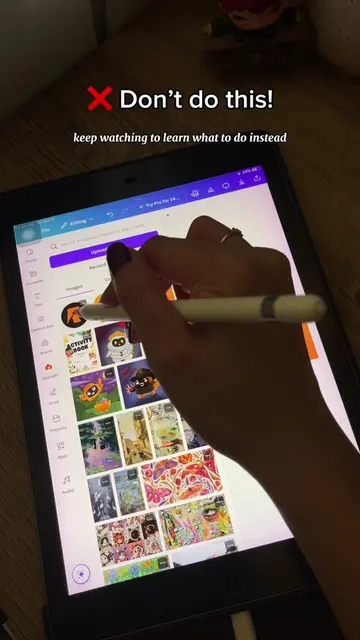
Open Canva and select an image
Access the Distortly app
Apply perspective distortion to the image
Save and close the edited image
Show final result and call to action
Canva: it ACTS - its interface is operated to edit an image. Removing it would change what happens in the video. Distortly: it ACTS - it is an app within Canva that is operated to distort an image. Removing it would change what happens in the video.
Follow me for more tips
Promotes 1 product. Create free account to see more.
Outliers and viral hits: their videos on Overshot, all time.
Design app for people creating presentations, worksheets, and other visual content
Views and creators: posted in the last 30 days (English videos). Videos: all time.