Loading video…
All breakouts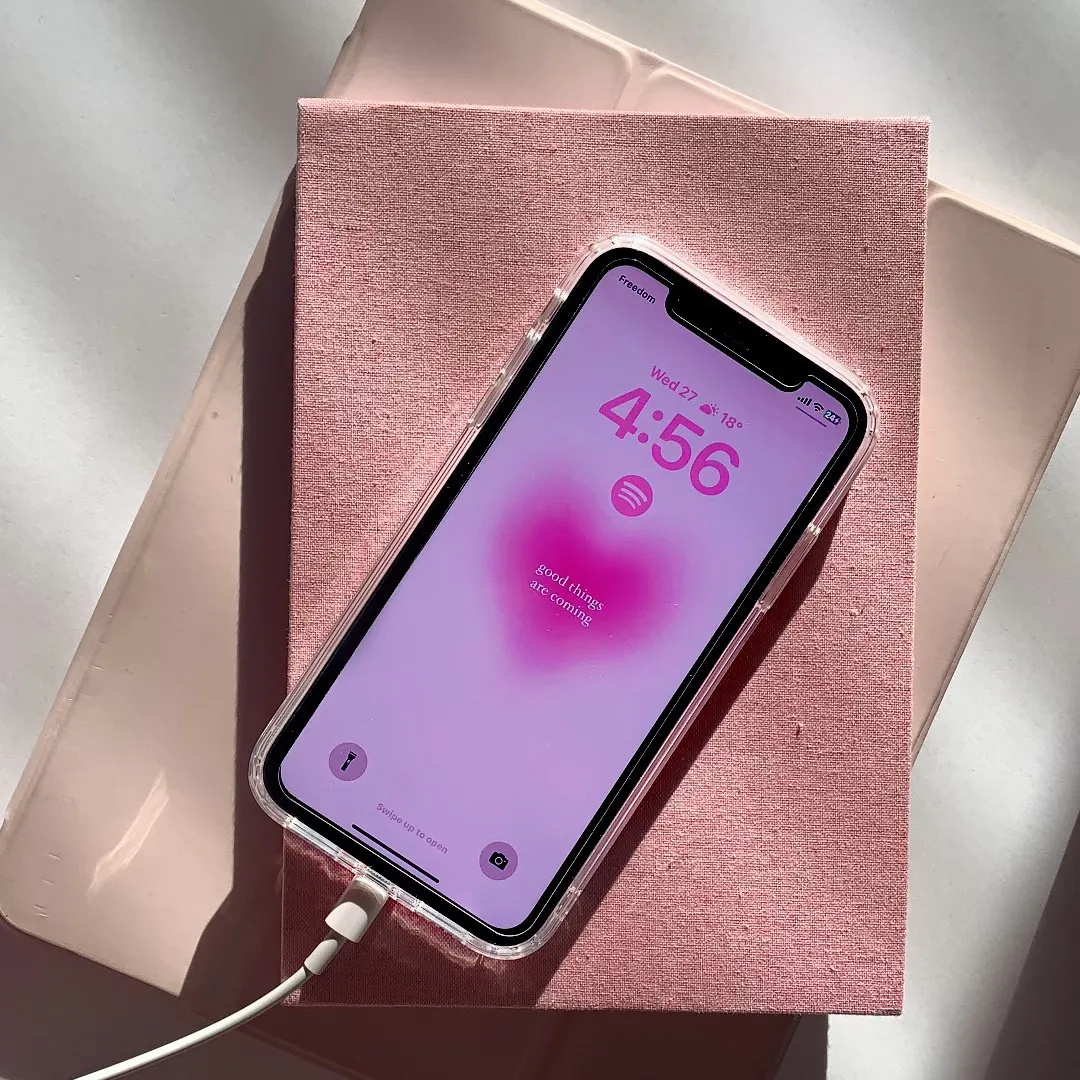
4.5App DemoOther hookConsumer Apps
Hook
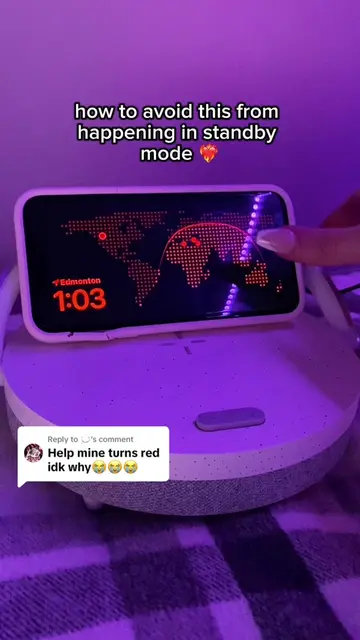
standby mode
@rawslife
118.9K followers · usually 22.3K views a post
Views
92.4K
Likes
1.9K
Comments
20
Shares
60
Why it worked
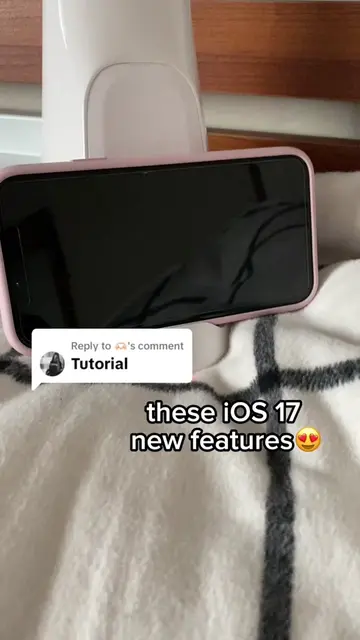
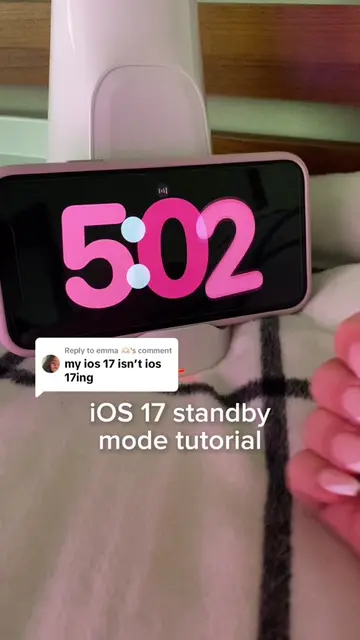
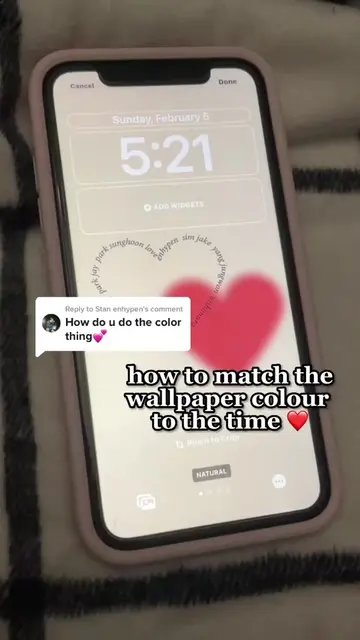
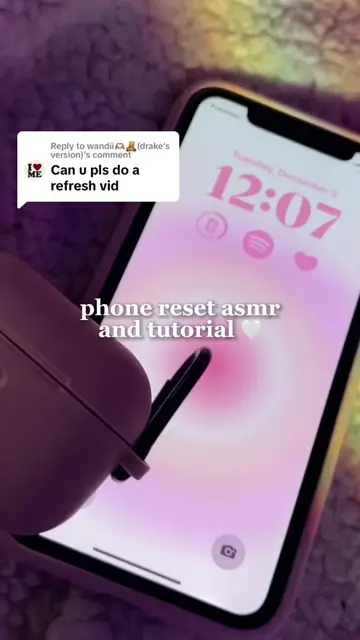
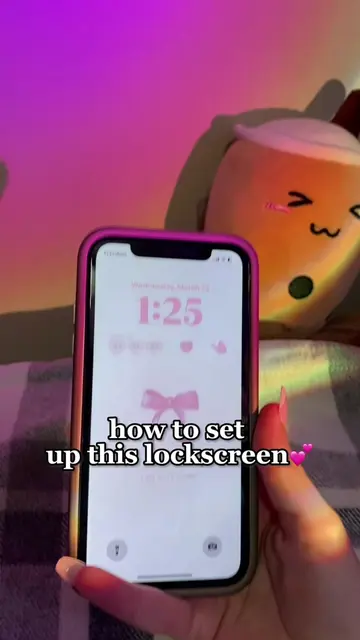
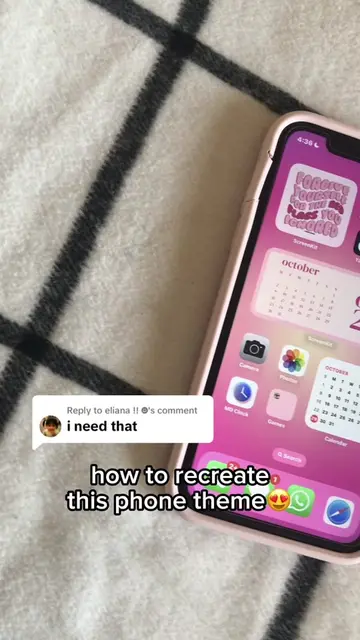
The video taps into the trend of customizing iPhone aesthetics, specifically the iOS 17 standby mode feature, offering a visually appealing and easy-to-follow tutorial for a popular feature.
Summary
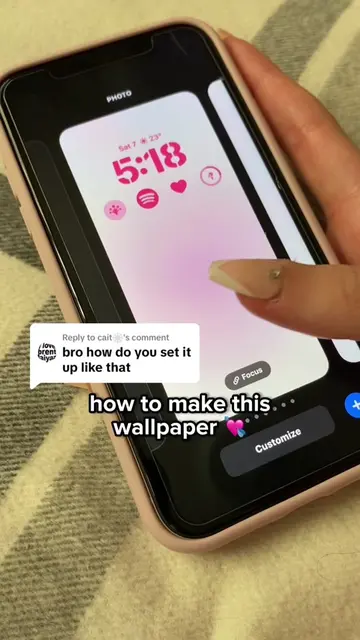
The video demonstrates how to customize an iPhone's standby mode using the iScreen app. It shows the process of selecting and saving widgets within the app and then adding them to the iPhone's standby display.
Structure
- 1Show standby mode display
- 2Introduce the iScreen app
- 3Navigate the app to find iOS 17 standby widgets
- 4Select and save widgets
Original caption
Replying to @theidy Hope this helps! App: @iScreenApp #fyp#foryou#ios17#standbymode#iscreenapp#iscreen#foryoupage#tutorial#iphone#iphone11#iphonehack#aestheticiphone#widget#widgets#unboxing
More from @rawslife
More breakout videos from this creator.