Loading video…
Sound

original sound - hot_town_
Vinny · Original audio
0:00–:––
Playing this video’s own audio, so you’ll hear the creator over the sound.
The video effectively showcases a practical application of AI-assisted coding by demonstrating how to automate a complex task (web scraping and analysis) using natural language commands within a developer tool. This appeals to a technical audience by highlighting efficiency and ease of use.
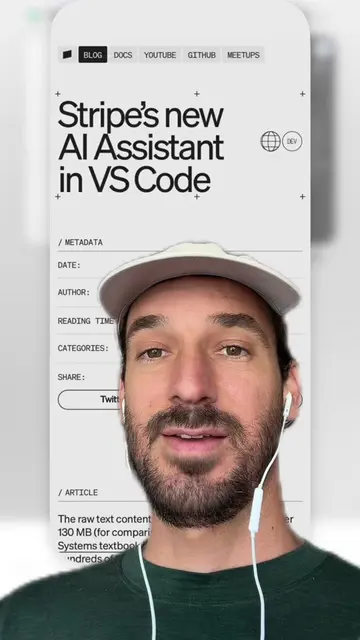
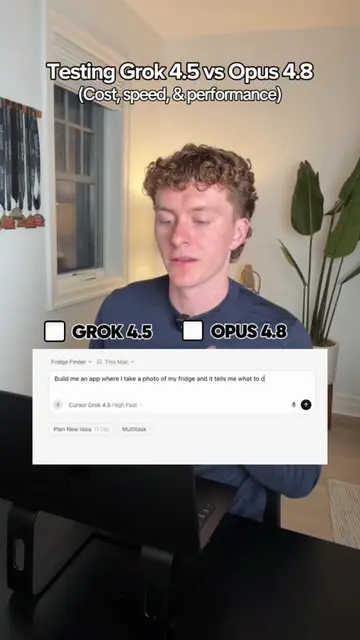
The creator demonstrates how to use Playwright with Cursor's MCP server to automate web scraping and analysis of Twitter feeds. By simply mentioning 'Playwright' in the chat, Cursor can execute commands to scrape tweets, summarize them, and even write them into a Playwright test file for future use.
Using playwright’s mcp server to do ai agent like tasks is great because you can use natural language via the mcp server and then have cursor convert the actions into a runnable test script that you can run whenever you want. In this example I’m using it like a twitter scraping agent to help me get info on the tweets of the day. #mcpserver #webscraping #aiagent
YO THE STUFF
Introduction to MCP servers and Playwright for automation
Setting up Playwright in Cursor preferences
Using natural language commands to scrape and summarize Twitter data
Automating actions into a Playwright test file
The video demonstrates the use of Cursor, an AI-powered code editor, and its integration with Playwright, a web automation library, to scrape and analyze Twitter data. The creator shows how to configure MCP servers within Cursor's settings to enable natural language commands for web scraping tasks.
Playing this video’s own audio, so you’ll hear the creator over the sound.
Promotes 9 products. Create free account to see more.
Outliers and viral hits: their videos on Overshot, all time.
AI coding editor for developers building and editing software
All time.