Loading video…
Sound

CLOUD 333
Bvtter
0:00–:––
- Videos using it
- 10
- Creators
- 5
- Views on those videos
- 2.0M
The video provides a practical, step-by-step guide for a niche but engaged audience (homelab enthusiasts) on setting up a useful tool. The clear demonstration and visual appeal of seeing notifications arrive on a phone likely resonated with viewers seeking similar functionality.
The video demonstrates how to add Gotify, a notification service, to a homelab environment using Portainer and Docker. It shows the process of setting up Gotify, creating a test app, sending a test message, and how the notifications appear on both the web interface and a mobile app.
Getting homelab notifications straight to my phone #homelab #selfhosted #docker #techtok #sysadmin
Adding gotify to my homelab
Adding Gotify to homelab
Setting up Gotify via Portainer/Docker
Creating a test app in Gotify
Sending a test notification
Viewing notifications on web and mobile
Gotify: Acts - it is a notification service that sends alerts to users' phones. Its interface is operated, and it generates notifications. Removing it would change what happens in the video. Portainer: Acts - it is a management UI for Docker. Its interface is operated to deploy Gotify. Removing it would change what happens in the video. Proxmox Virtual Environment: Acts - it is a virtualization platform. Its interface is operated to deploy Gotify. Removing it would change what happens in the video. Docker: Acts - it is a containerization platform. It is used to deploy Gotify. Removing it would change what happens in the video.
Promotes 9 products. Create free account to see more.
Outliers and viral hits: their videos on Overshot, all time.
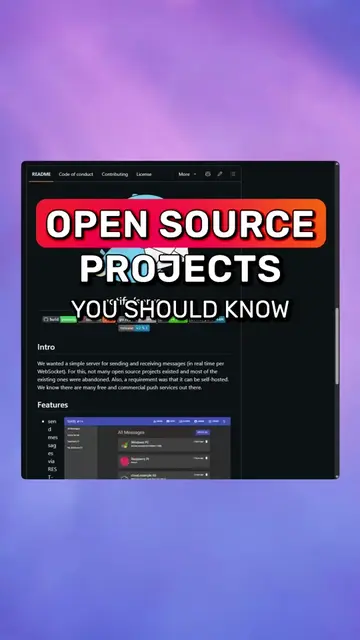
Self-hosted notification server for developers and homelab users
All time.