Loading video…
All breakouts
5.1Talking HeadContrarian hookConsumer Apps
Hook
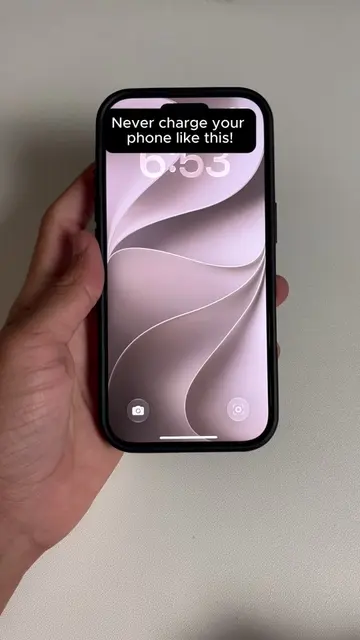
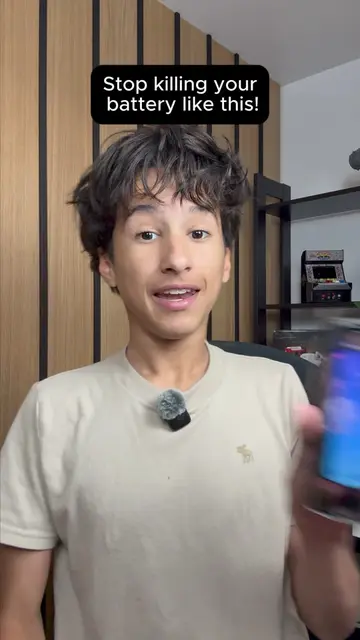
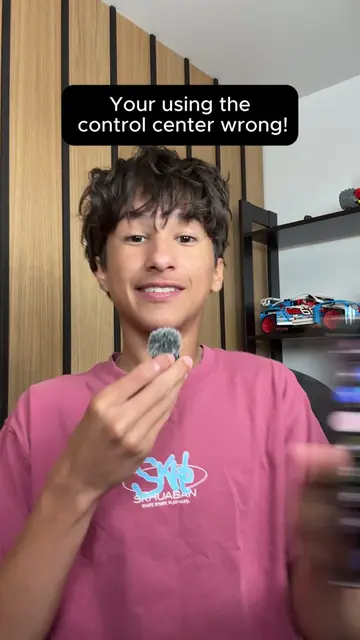
Apple doesnt tell anyone these tricks!
@tycotech.ca
142.4K followers · usually 30.8K views a post
Views
203.2K
Likes
6.9K
Comments
50
Shares
327
Promoted product
iPhone settings
Why it worked
The video leverages a common desire to optimize device performance and battery life by revealing 'hidden' settings. The use of clear, step-by-step instructions on a familiar device (iPhone) makes the information easily digestible and actionable for a broad audience.
Summary
The video demonstrates two iPhone settings that users should disable to potentially improve battery life and quality. It guides viewers through Settings > Apps > Messages to turn off "Send Low Quality Image" and then to Privacy & Security > Analytics & Improvements to disable all options there.
Structure
- 1Introduce the topic of hidden iPhone tricks
- 2Navigate to Messages settings
- 3Disable 'Send Low Quality Image'
- 4Navigate to Privacy & Security settings
- 5Disable 'Analytics & Improvements' options
- 6Conclude with a question about user knowledge
Product placement
Apple (phone manufacturer) - ACTS: The video demonstrates settings on an Apple iPhone. Removing it would change the video's subject.
iPhone (phone) - ACTS: The video demonstrates settings on an Apple iPhone. Removing it would change the video's subject.
Messages (app) - ACTS: The video navigates through the Messages app settings. Removing it would change the video's subject.
Analytics & Improvements (setting) - ACTS: The video navigates to and modifies settings within this section. Removing it would change the video's subject.
Original caption
Two iPhone settings you need to turn off right now. Go to Settings, Apps, Messages and turn off Send Low Quality Image, then go to Privacy and Security, Analytics and Improvements, and turn them all off. Did you know about these? #TechHacks #iPhoneTips #iPhoneTricks #iPhoneSettings #iPhoneBattery
More from @tycotech.ca
More breakout videos from this creator.