Loading video…
All breakouts 2 videos2 creators
3.6Talking HeadOther hookGames
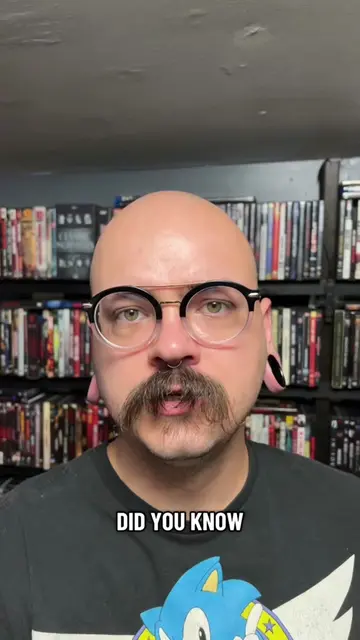
Hook
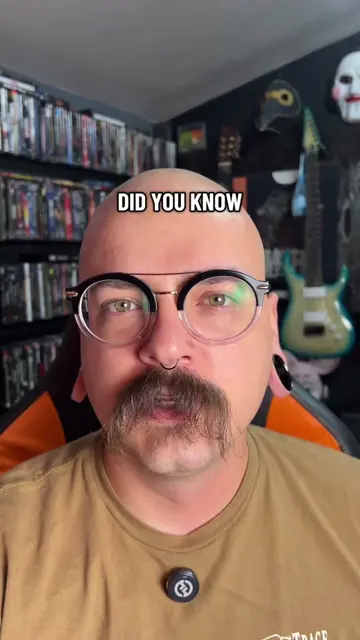
how about for a ps4 slim
@discount_orlok
274.6K followers · usually 45.8K views a post
Views
176.0K
Likes
10.7K
Comments
167
Shares
513
Promoted product
PlayStation 4 Slim
Why it worked
The video provides a clear, step-by-step tutorial for a common and relatable problem among PS4 owners (overheating/loud fan noise). The creator's direct approach and visual demonstration make a potentially intimidating repair accessible to a wider audience, driving engagement through practical problem-solving.
Summary
This video demonstrates how to replace the thermal paste on a PlayStation 4 Slim console. The creator guides viewers through the disassembly process, including removing the hard drive, top cover, and internal shielding, before showing how to clean and reapply thermal paste to the CPU/GPU. The video concludes with reassembly and a successful boot-up.
Structure
- 1Introduction: Identifying the problem (loud PS4 fan noise)
- 2Disassembly Part 1: Removing the outer shell and hard drive
- 3Disassembly Part 2: Removing internal shielding and power supply
- 4
Original caption
Replying to @SKULBEATS ps4 slim thermal paste. #ps4 #howto #techrepair #playstation #gaming
More from @discount_orlok
More breakout videos from this creator.