Loading video…
Sound

original sound - tess.barclay
Tess | Busy Blooming · Original audio
0:00–:––
Playing this video’s own audio, so you’ll hear the creator over the sound.
The video effectively demonstrates how a specific tool (Canva) can solve a common creator problem (content looking generic) by showcasing its features and the successful results achieved by the creator, making it a native and relatable promotion.
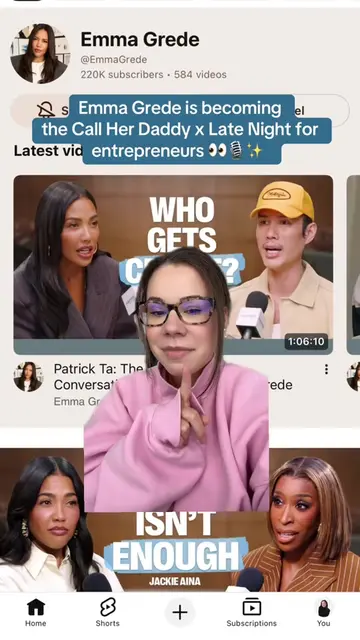
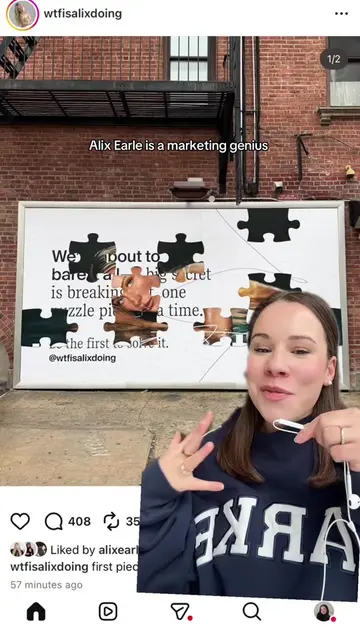
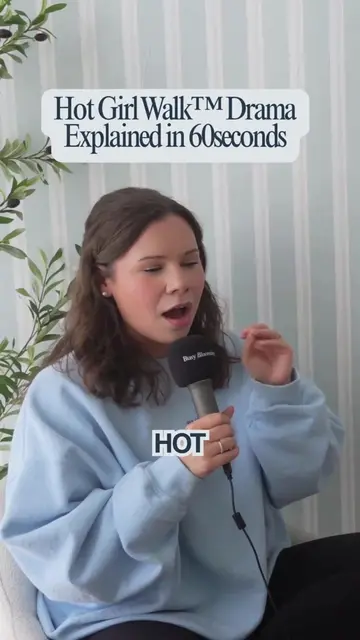
This video showcases how Canva can be used to create unique and high-performing short-form video content, specifically for podcast clips. The creator highlights Canva's features like brand kits, overlays, auto-captions, templates, and collaboration tools, demonstrating how they helped their content stand out and outperform other posts.
Using @Canva to edit my podcast clips has made me fall back in love with editing and actually showcase the Busy Blooming brand in everything I do! This is your sign to use Canva to create your next piece of content 👏 #canvapartner #ad
Content is all starting to look
Problem: Content looks the same
Solution: Canva's video editor
Features: Brand kits, templates, captions, collaboration
Results: Outperformed other content
Call to action: Use Canva for short-form video
The video demonstrates using Canva's video editor to create podcast clips, highlighting features like brand kits, fonts, colors, overlays, and auto-captions. The creator also shows examples of templates and collaboration within Canva.
Use Canva to edit your short form video and trust me, it will be your secret weapon on social media.
Playing this video’s own audio, so you’ll hear the creator over the sound.
Promotes 7 products. Create free account to see more.
Outliers and viral hits: their videos on Overshot, all time.
Design app for people creating presentations, worksheets, and other visual content
All time.