Loading video…
Sound

original sound - techow
TecHow · Original audio
0:00–:––
Playing this video’s own audio, so you’ll hear the creator over the sound.
Hook
Posted Nov 7, 2025Video · 0:13by @techow
We didn’t find a product being promoted in this video. Its hook, format and structure below still show why it took off.
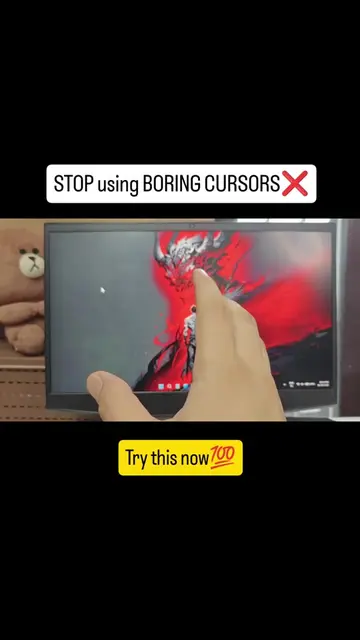
Browse products winning on TikTokThe video provides a clear and concise tutorial on a niche but visually impactful customization, appealing to users interested in personalizing their PC setup.
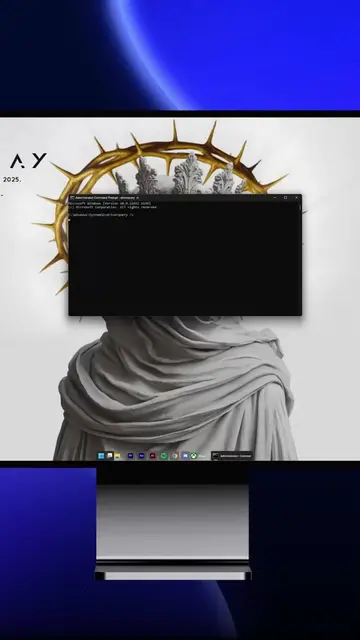
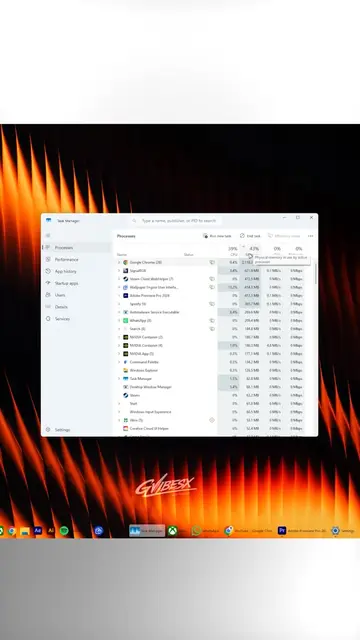
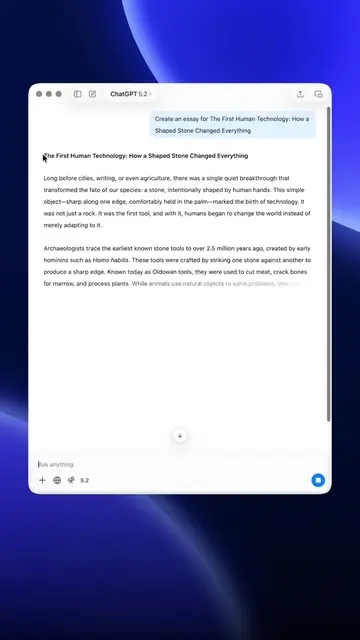
The video demonstrates how to change the mouse cursor on a Windows computer. It guides the viewer through opening the control panel, accessing mouse settings, navigating to pointers, and uploading a custom cursor file.
Make ayour Cursor Look Aesthetic. #pctips #pc #techtok #pcgaming #usa🇺🇸
Here's how to change your old mouse cursor to a minimal elegant one.
Open control panel
Go to mouse settings
Select pointers
Browse and upload custom cursor
Apply changes
Playing this video’s own audio, so you’ll hear the creator over the sound.
Promotes 9 products. Create free account to see more.
Outliers and viral hits: their videos on Overshot, all time.