Loading video…
All breakouts
3.2Talking HeadHow-To hookSaaS
Hook
how I organize my Gmail
@kellyn_mcmullan
180.6K followers · usually 2.8K views a post
Views
11.5K
Likes
442
Comments
5
Shares
64
Why it worked
The video provides practical, actionable tips for a widely used platform (Gmail) that directly address common user pain points like inbox clutter and email management. The creator's relatable "corporate girly" persona and the visual demonstration of features make the advice easy to follow and implement.
Summary
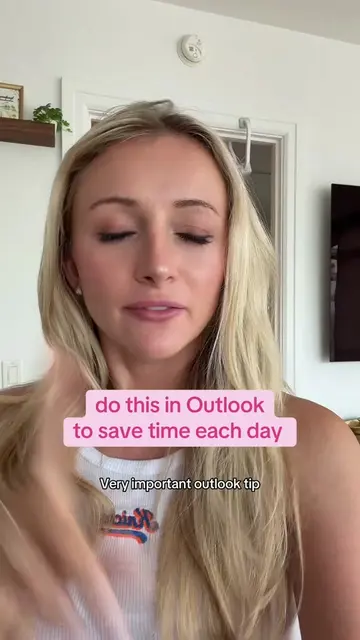
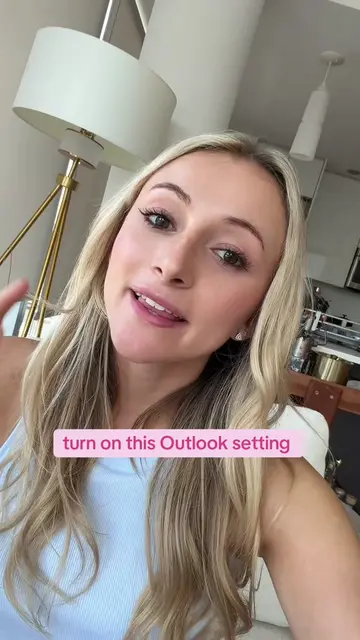
This video demonstrates several favorite Gmail features for organizing an inbox, including customizing themes with personal photos, using labels, snoozing emails, scheduling sends, and utilizing confidential mode. It also highlights how to manage subscriptions and customize sidebar labels for a cleaner inbox experience.
Structure
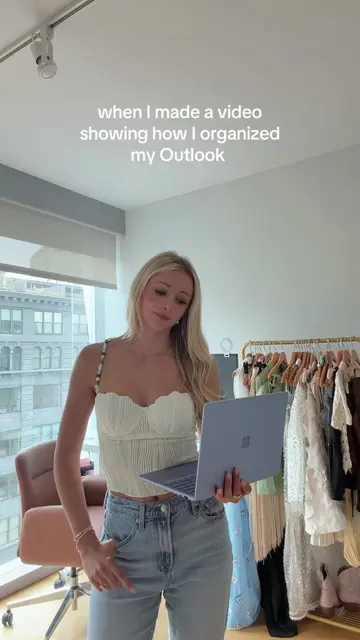
- 1Intro: Switching from Outlook to Gmail
- 2Customizing Gmail theme with personal photos
- 3Organizing emails with labels and 'to-do' status
Original caption
Replying to @sav how I organize Gmail as a corporate girly 💻 ✨ Labels, Custom Themes, Snoozing, Scheduling, Confidential Mode, and more! #gmail #productivity #emailhacks #corporategirl #worklife
More from @kellyn_mcmullan
More breakout videos from this creator.