Loading video…
All breakouts
3.4App DemoHow-To hookCreator Economy
Hook
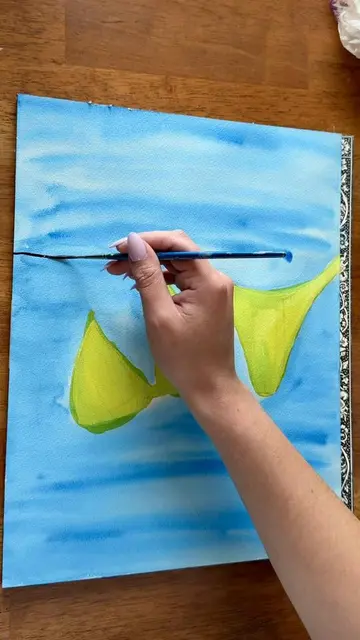
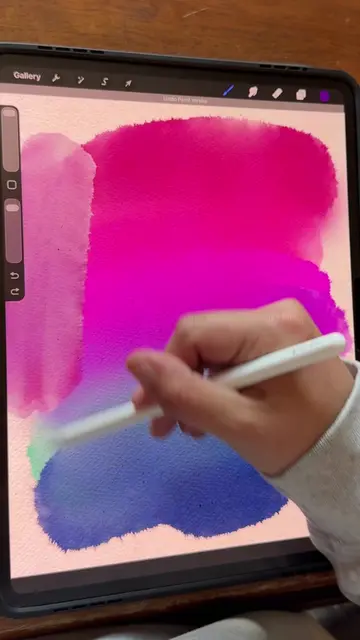
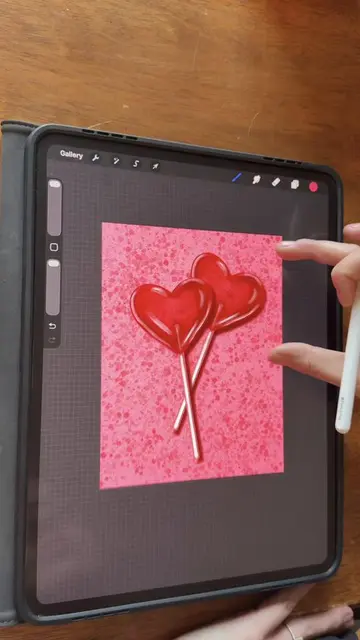
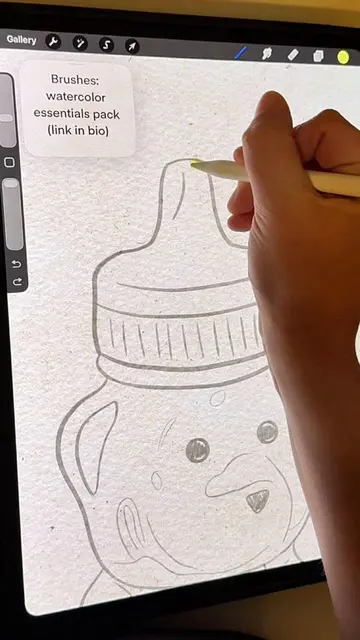
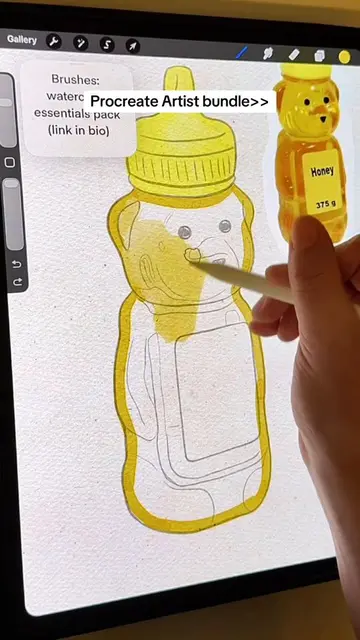
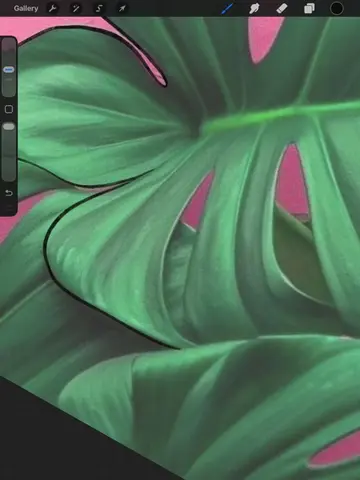
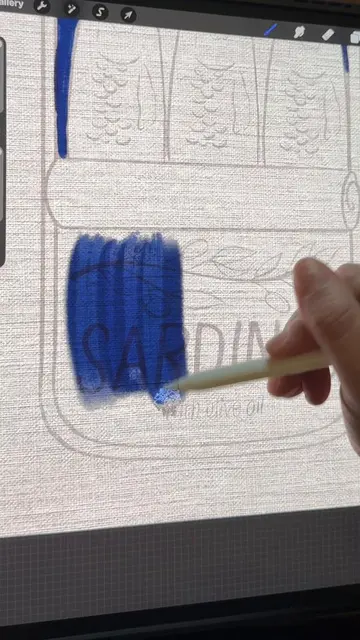
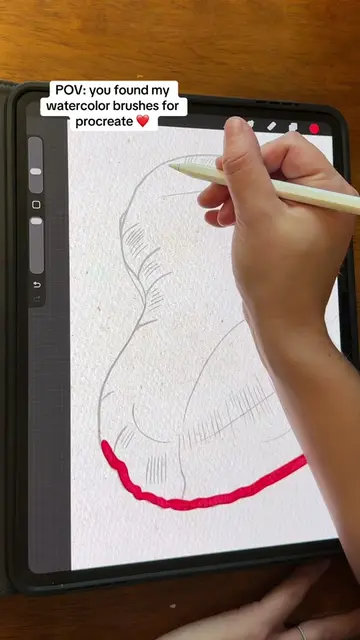
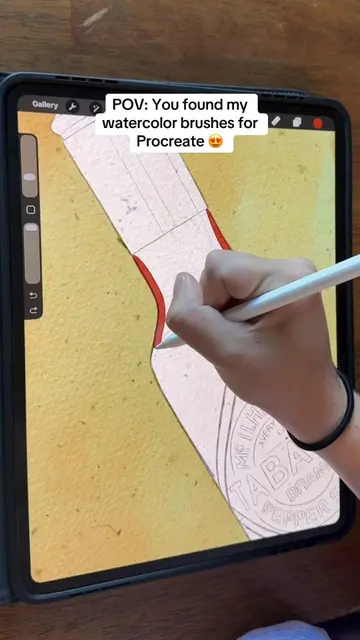
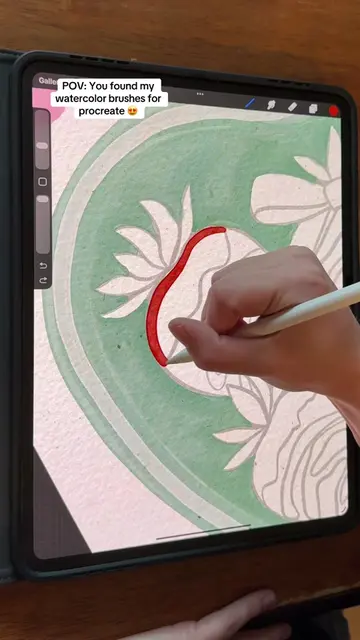
Here is how to add a drop shadow to your paintings in Procreate!
@sam.does.art
48.3K followers · usually 2.2K views a post
Views
7.2K
Likes
456
Comments
3
Shares
11
Why it worked
The video provides a clear, step-by-step tutorial on a common digital art technique, using a popular app. The visual demonstration combined with concise instructions makes it easy for viewers to follow along and achieve a similar result.
Summary
This video demonstrates how to add a drop shadow effect to a digital painting in Procreate. The creator duplicates the painting layer, fills it with black, applies a Gaussian blur, and then adjusts the opacity to create a subtle shadow effect.
Structure
- 1Duplicate painting layer
- 2Alpha lock and fill with black
- 3Apply Gaussian blur
- 4Adjust opacity
Original caption
Here is how to add a drop shadow to your paintings in Procreate! This is an easy way to add a lot of depth to your Procreate art. 😍 #procreatetutorials #artprocess #digitalpainting #procreatetips #procreateapp
More from @sam.does.art
More breakout videos from this creator.