Loading video…
All breakouts
8.8Talking HeadHow-To hookAI Tools
Hook
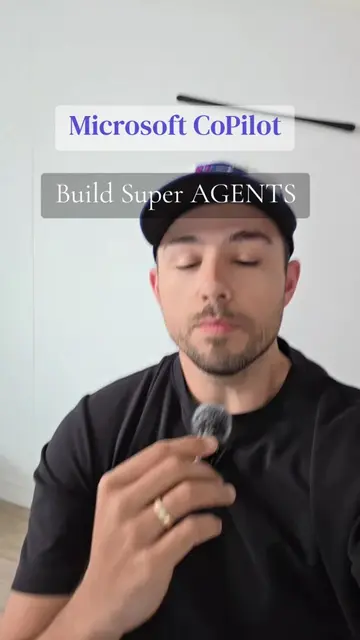
Automate 60-80% of your work with Microsoft Copilot
@robert.triebwasser
21.9K followers · usually 3.9K views a post
Views
28.6K
Likes
785
Comments
153
Shares
191
Why it worked
The video effectively highlights a lesser-known but powerful feature (Copilot Studio) for automating work, tapping into the desire for productivity gains and AI mastery. The clear demonstration and a direct call to action for more information likely drove engagement.
Summary
This video explains two ways to create agents using Microsoft Copilot: directly within the Copilot interface and through Copilot Studio. Copilot Studio offers more advanced customization and integration capabilities.
Structure
- 1Introduction to automating work with Microsoft Copilot
- 2Explaining the first method: creating agents in the Copilot interface
- 3Explaining the second method: using Copilot Studio for more advanced agents
Original caption
Use Copilot to build agents and workflows that can automate tasks and save you time. You can automate roughly 60-80% of computer work by using Copilot Studio and/or Microsoft Power Automate. This is not neccessarily for beginners but if you want to learn how to use AI like a pro, try Copilot Studio! #learnai #aiforbusiness #workflowautomation #copilotstudio #aitipsandtricks
More from @robert.triebwasser
More breakout videos from this creator.