Loading video…
Sound

original sound - beerrtoshare
beerrtoshare · Original audio
0:00–:––
Playing this video’s own audio, so you’ll hear the creator over the sound.
The video highlights practical and time-saving AI features within a popular design tool, appealing to a broad audience looking for creative solutions. The creator's engaging presentation and direct call to action encourage viewer interaction and sharing.
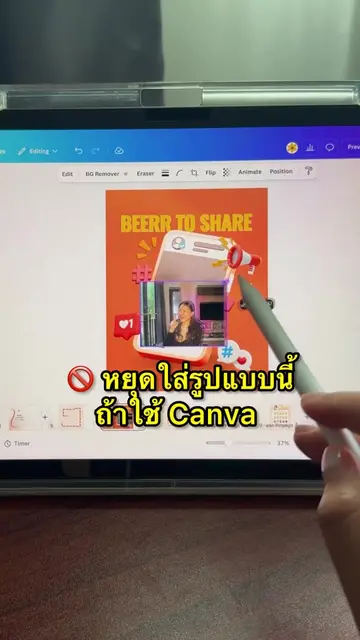
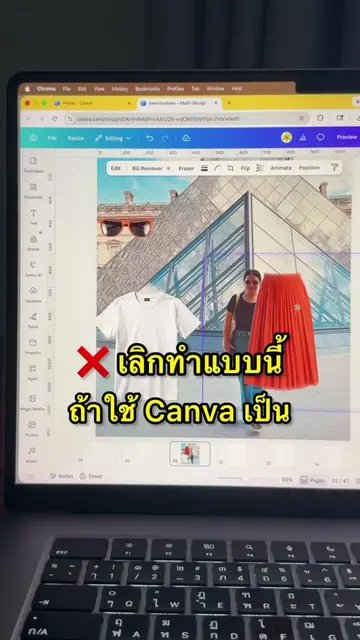
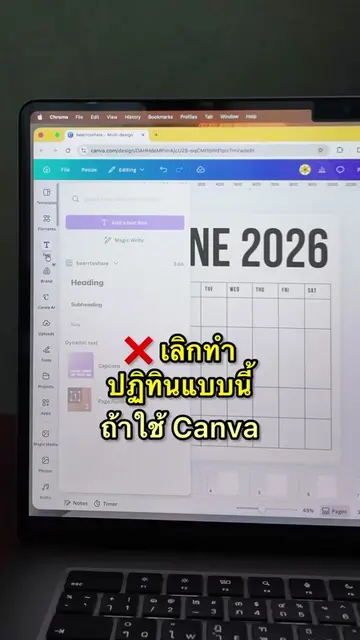
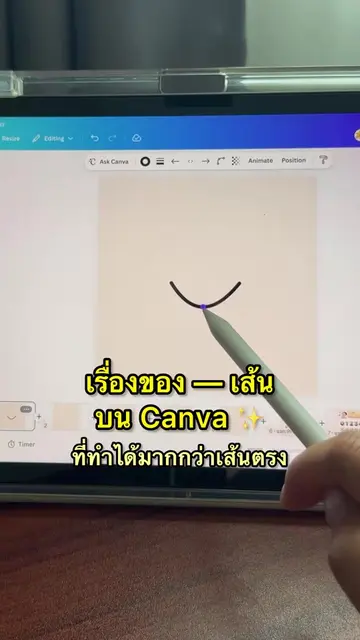
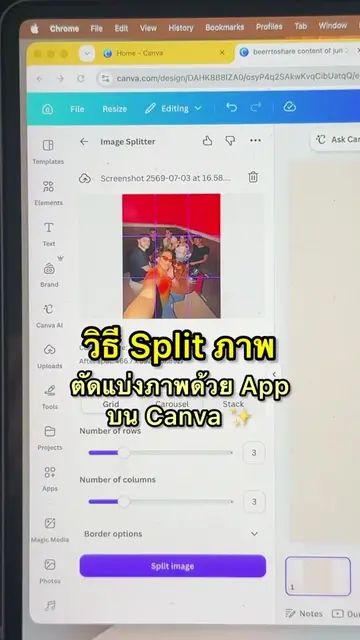
The video showcases three frequently used features on Canva: Magic Eraser for blurring specific parts or the entire image, Magic Expand for extending image dimensions, and Ask Canva for AI-powered image editing and content generation. The creator encourages viewers to share their favorite Canva features in the comments.
3 ฟีเจอร์ใช้บ่อย บน Canva
3 ฟีเจอร์ใช้บ่อย บน Canva ✨
Introduction to Canva features
Demonstration of Magic Eraser
Demonstration of Magic Expand
Demonstration of Ask Canva
Call to action for viewer engagement
Canva: It ACTS as a design platform where the creator demonstrates its features. Removing it would change the video entirely.
What Canva AI features do you like? Comment below!
Playing this video’s own audio, so you’ll hear the creator over the sound.
Promotes 3 products. Create free account to see more.
Outliers and viral hits: their videos on Overshot, all time.
Design app for people creating presentations, worksheets, and other visual content
All time.