Loading video…
All videos
Views
33.9K
Likes
999
Comments
1
Shares
224
Engagement
3.6%
of views
21.1xthis account’s usual viewsOutlier
This video33.9KUsual views1.4K
The product
The creator
Why it worked
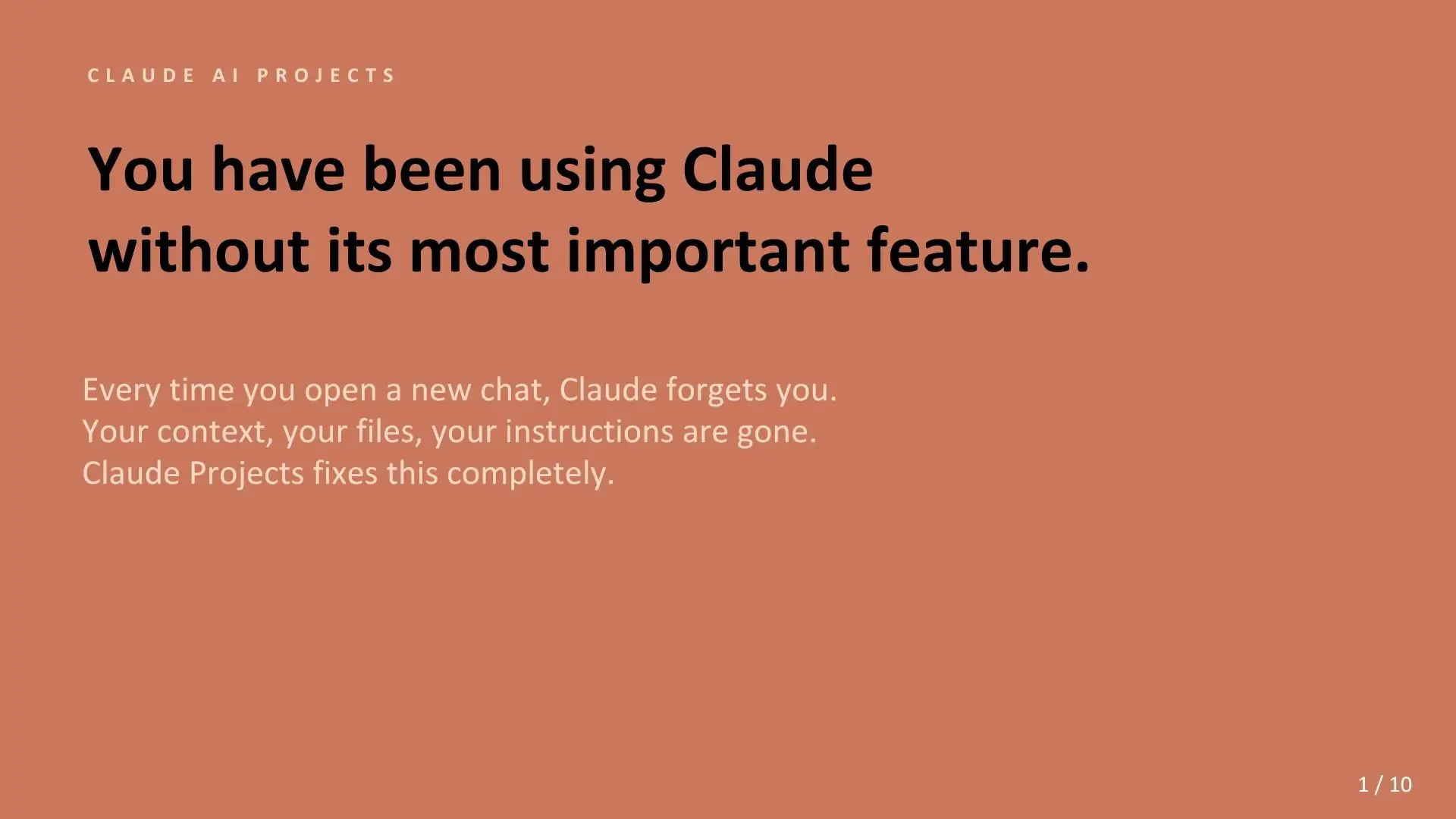
The post offers a structured, actionable guide for a specific professional audience (Project Managers) on how to leverage an AI tool (Claude) for practical, everyday tasks, making the AI's utility tangible and desirable.
What happens
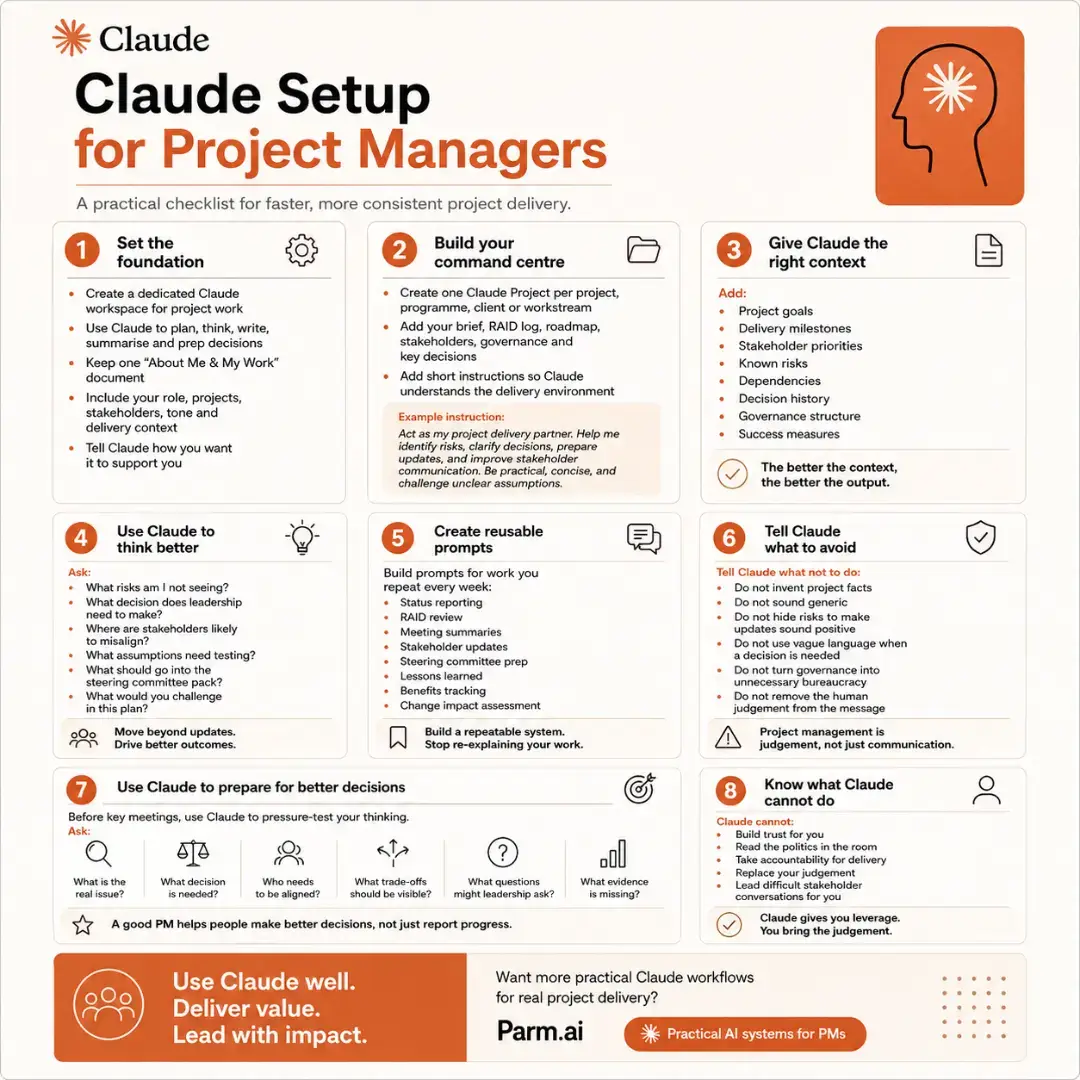
This post provides a checklist for project managers on how to effectively set up and use Claude, an AI assistant, to improve project delivery. It outlines steps for building a command center, providing context, creating reusable prompts, and telling Claude what to avoid to maximize its utility.
The breakdown
Original caption
The biggest difference between getting a generic answer from Claude and getting something genuinely useful for project delivery often isn’t the prompt. It’s the setup behind the prompt. If Claude understands your project, your stakeholders, your governance, your risks, your previous decisions and the way you work, you stop beginning every conversation from zero. That changes what AI can actually do for a PM. Instead of repeatedly explaining the project, build a working environment around it: 📁 Create a dedicated project workspace Give each major project, programme or workstream its own context rather than mixing unrelated work together. 🧠 Give Claude the information that shapes decisions Project goals. Milestones. Stakeholder priorities. Risks. Dependencies. Governance. Decision history. Success measures. ⚙️ Tell it how you want it to operate Define the role Claude should play, the level of challenge you expect, the tone of its outputs and what good looks like. 🔁 Turn recurring work into reusable systems Status reports. RAID reviews. Meeting summaries. Steering packs. Stakeholder updates. Lessons learned. Benefits tracking. But the most valuable shift is using Claude for more than writing. Before an important meeting, ask: → What risk am I missing? → What decision actually needs to be made? → Where are stakeholders likely to disagree? → Which assumptions haven’t been tested? → What trade-offs should be visible? → What questions will leadership probably ask? That is where AI becomes much more useful to a Project Manager. Not as an automated status-report generator. As a thinking partner that helps you pressure-test the quality of the thinking behind the status report. There is also a boundary worth remembering. Claude cannot build stakeholder trust for you. It cannot read every political dynamic in the room. It cannot own delivery. And it should not replace your judgement. The objective isn’t to automate project management. It’s to remove unnecessary cognitive overhead so the PM can spend more time on the work that still requires a human: judgement, alignment, decisions and leadership. Use Claude well. Deliver value. Lead with impact.