Loading video…
All breakouts
32.5Talking HeadHow-To hookSaaS
Hook
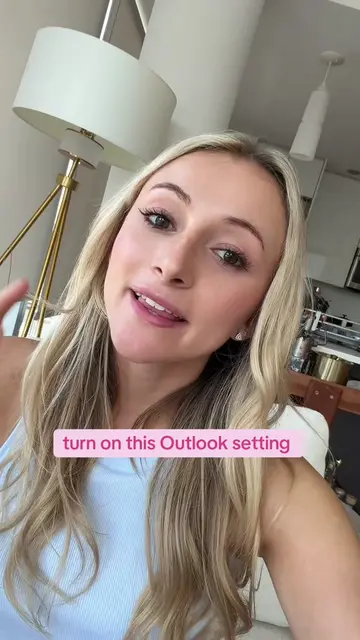
if you use Microsoft at work you need to do this
@kellyn_mcmullan
181.4K followers · usually 3.2K views a post
Views
103.8K
Likes
6.4K
Comments
73
Shares
774
Why it worked
The video effectively showcases a practical productivity hack for a common workplace tool, Microsoft Planner, by demonstrating its integration with other Microsoft products like Outlook and Teams. This 'how-to' format, combined with a relatable problem (managing to-do lists) and a clear solution, appeals to a broad audience seeking efficiency.
Summary
The video demonstrates how to use Microsoft Planner to organize work tasks, integrating with Outlook emails and Microsoft Teams messages. It highlights features like task management, categorization, and linking back to original communications.
Structure
- 1Introduction to Microsoft Planner for corporate jobs
- 2Demonstration of Planner interface and task creation from emails
- 3Integration with Microsoft Teams messages
Original caption
if you’re still keeping your work to-do list in multiple places… this is for you 😭 Microsoft Planner is my fave way to keep everything organized AND you can turn Outlook emails + Teams messages directly into tasks so nothing gets forgotten 👏🏼 #MicrosoftPlanner #Microsoft365 #ProductivityTips #CorporateTok #WorkHacks
More from @kellyn_mcmullan
More breakout videos from this creator.