Loading video…
Sound

original sound - dataanalytics.07
Ali Data Analytics · Original audio
0:00–:––
Playing this video’s own audio, so you’ll hear the creator over the sound.
The video uses a relatable "beginner vs. pro" format to showcase a useful Excel shortcut. The visual contrast between manual entry and a single formula is compelling and provides immediate value to viewers looking to improve their Excel skills.
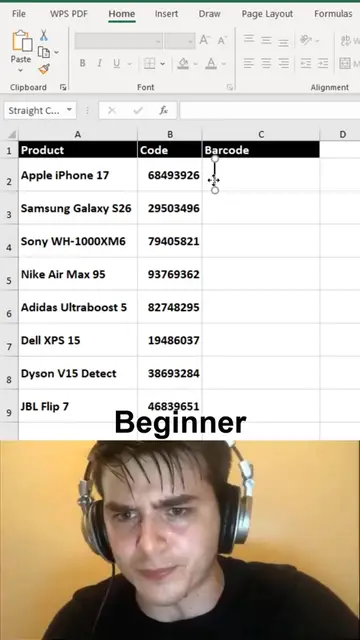
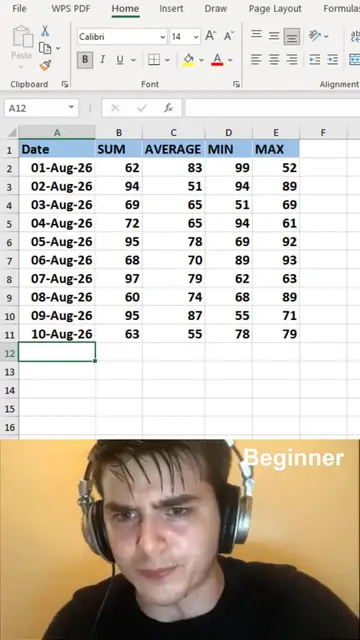
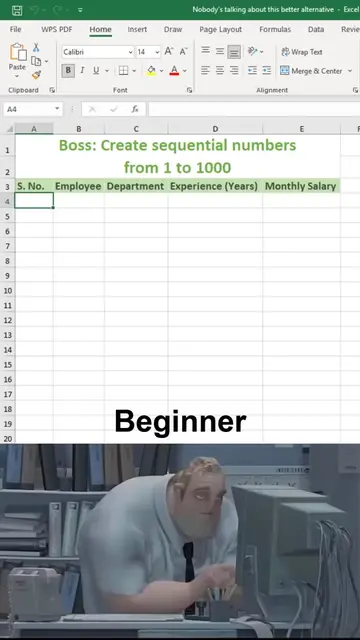
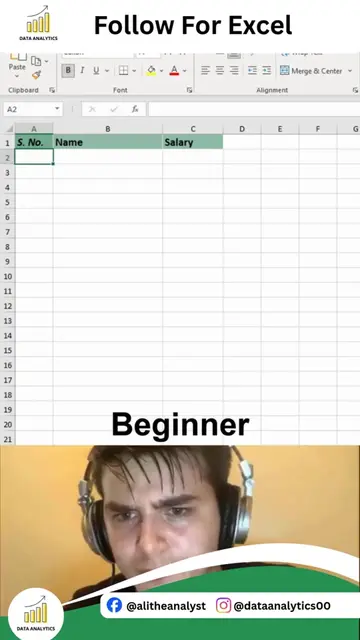
The video contrasts a beginner's method of manually entering numbers and Roman numerals in Excel with a pro's method using the SEQUENCE and ROMAN functions. It shows how the pro can generate a list of numbers and their Roman numeral equivalents much more efficiently.
Secret Formulas to Write Natural & Roman Numbers in Excel Did you know Excel has built-in formulas that can instantly convert numbers into words and even Roman numerals? These lesser-known functions are incredibly useful for creating invoices, financial documents, certificates, educational materials, and professional reports. In this Excel tip, you'll learn how to: Convert numbers into Roman numerals automatically Write numbers in a professional and readable format Use hidden Excel functions to save time Improve invoices, reports, and official documents Reduce manual work with smart formulas Boost your Excel productivity with lesser-known features Whether you're a student, accountant, finance professional, office employee, or aspiring Data Analyst, these formulas can simplify your workflow and make your spreadsheets more professional. Learning hidden Excel functions is one of the fastest ways to improve your efficiency and stand out as an advanced Excel user. If you want to master Advanced Excel, Power BI with AI, SQL, Python, Statistics, and complete Data Analytics through practical projects and 1:1 training, you're in the right place. Comment "INTERESTED" if you want to learn Complete Data Analytics from beginner to advanced. Follow Ali Data Analytics for more Excel tips, Power BI dashboards, SQL tutorials, Python projects, interview cheat sheets, portfolio projects, and practical Data Analytics content.
Clipboard
Beginner manually enters numbers
Beginner manually enters Roman numerals
Pro uses SEQUENCE function
Pro uses ROMAN function
Pro generates Roman numerals instantly
Call to action to follow for more
Excel ACTS - it is used to generate lists of numbers and Roman numerals. Removing it would change what happens in the video.
Follow For More
Playing this video’s own audio, so you’ll hear the creator over the sound.
Promotes 5 products. Create free account to see more.
Outliers and viral hits: their videos on Overshot, all time.
Learn and practice dozens of Excel functions and tools online for free - from beginners to pro level, without the need to download any files.
All time.