Loading video…
All breakouts
6.6App DemoOther hookEducation
Hook
MS Excel
@dataanalytics.07
139.0K followers · usually 3.6K views a post
Views
12.8K
Likes
396
Comments
1
Shares
47
Why it worked
The video provides quick, actionable tips for a widely used software, MS Excel, addressing common user needs for date and time insertion. The use of clear on-screen text and demonstrations makes it easy to follow and replicate.
Summary
This video demonstrates three methods for inserting the current date and time in MS Excel. It covers using keyboard shortcuts, the TODAY function, and the NOW function to quickly input and update date and time information.
Structure
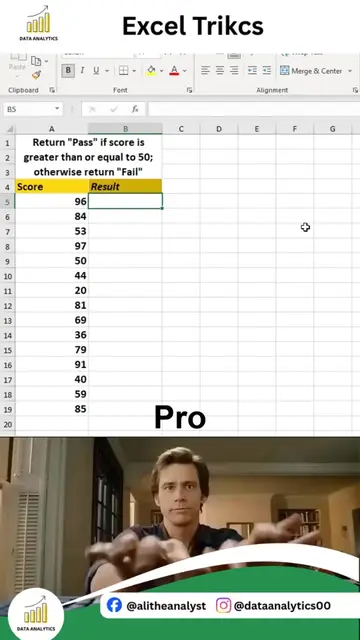
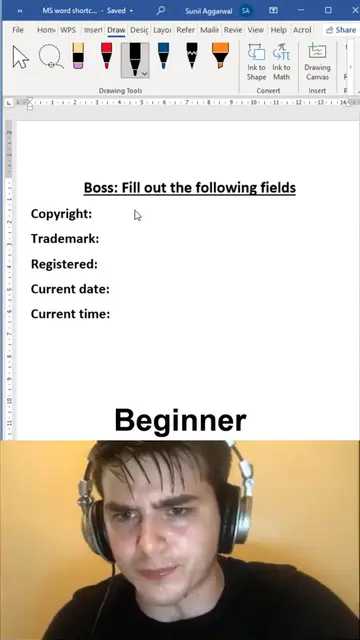
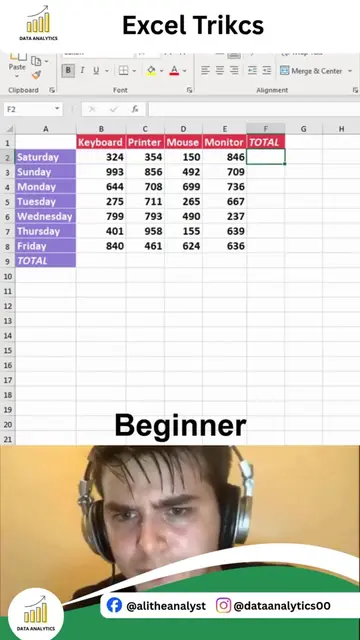
- 1Introduce MS Excel and tasks
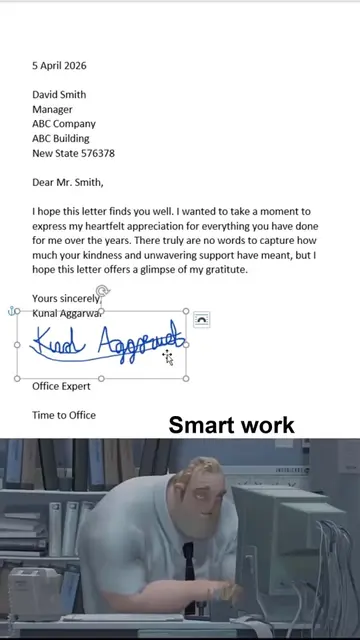
- 2Demonstrate inserting current date with shortcuts
- 3Demonstrate inserting current time with shortcuts
- 4Demonstrate inserting current date with TODAY function
Original caption
3 Ways to Insert Current Date & Time in Excel Stop typing dates and times manually in Excel. Use these quick methods to insert the current date and time instantly. In this Excel tip, you will learn 3 simple ways: 1. Keyboard Shortcut Method Insert the current date and time quickly using built-in Excel shortcuts. 2. TODAY Function Automatically display the current date and keep it updated. 3. NOW Function Insert the current date and time together with automatic updates. These techniques are useful for: Reports and dashboards Attendance tracking Invoices and records Project management Data entry tasks Small Excel tricks can save time, improve accuracy, and make your workflow more efficient. Follow Ali Data Analytics for more: Excel Tips & Tricks Power BI Dashboards Data Analytics Tutorials SQL & Python Learning Productivity Hacks #Excel #ExcelTips #ExcelTricks #MicrosoftExcel #Spreadsheets #OfficeTips #LearnExcel #ExcelTutorial #DataAnalytics #Productivity #AliDataAnalytics
More from @dataanalytics.07
More breakout videos from this creator.