Loading video…
Sound

original sound - dataanalytics.07
Ali Data Analytics · Original audio
0:00–:––
Playing this video’s own audio, so you’ll hear the creator over the sound.
The video effectively uses a "hard work vs. smart work" dichotomy to highlight useful Excel shortcuts, making it relatable and valuable to a broad audience interested in productivity.
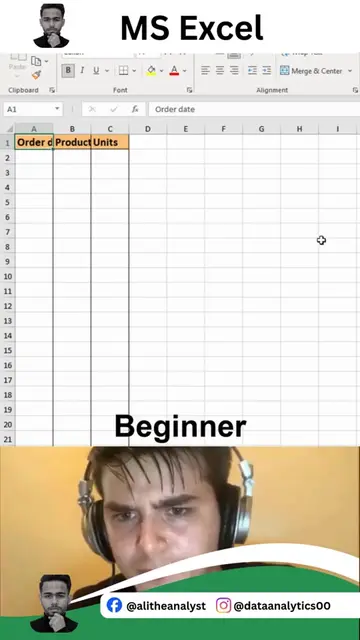
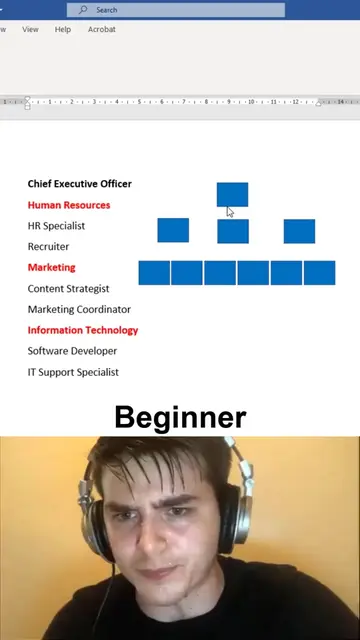
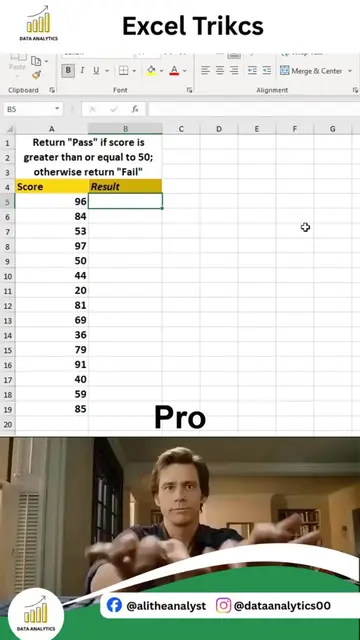
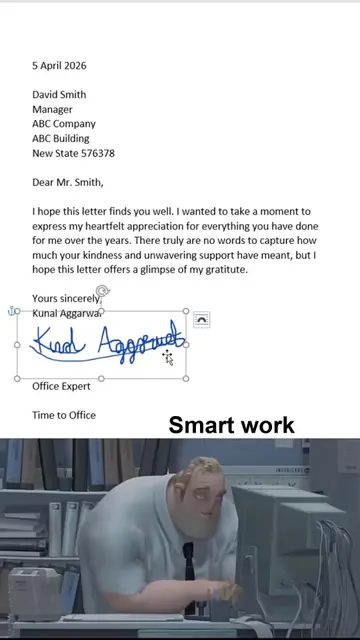
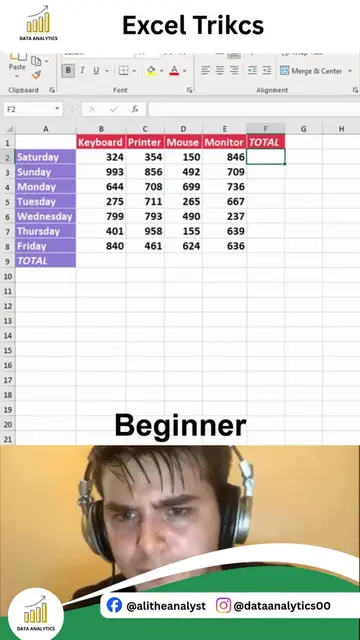
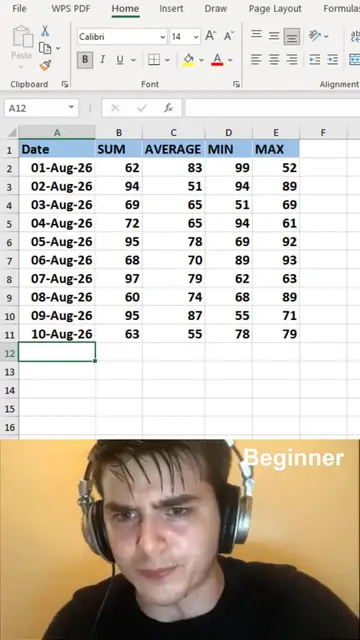
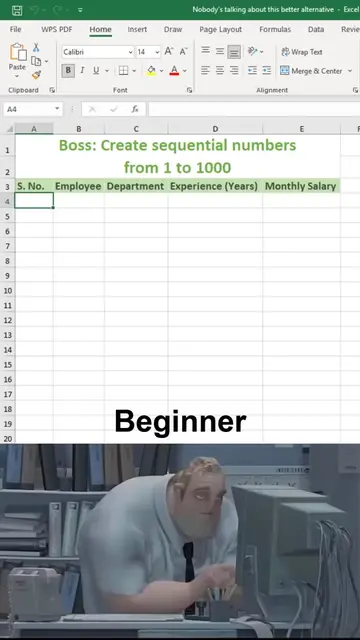
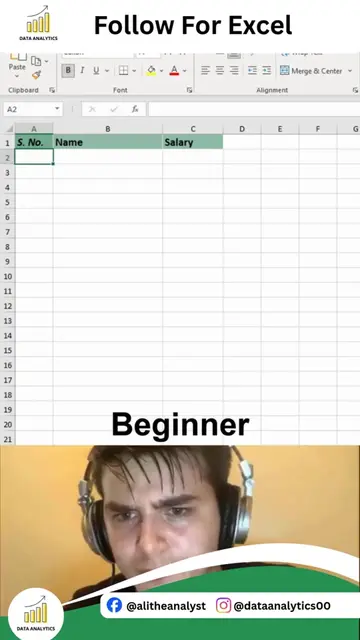
The video demonstrates two "smart work" tricks in MS Excel to contrast with "hard work" methods. It first shows how to quickly sum columns using a formula and then how to generate a sequence of serial numbers efficiently.
2 Amazing Excel Tricks You Need to Know | Excel Recap Small Excel tricks can make a huge difference in your daily workflow. Instead of spending extra time on repetitive tasks, mastering a few smart techniques can boost your productivity and make your spreadsheets much more efficient. In this quick recap, I'm sharing 2 amazing Excel tricks that every Excel user should know, whether you're a student, accountant, business professional, or data analyst. In this recap, you'll discover: • Time-saving Excel shortcuts • Smart ways to automate repetitive tasks • Faster data management techniques • Productivity tips for everyday work • Practical Excel methods you can start using immediately The best part? These tricks are simple to learn but can save you hours of manual work over time. If you're serious about improving your Excel skills, learning small techniques like these consistently is what separates beginners from Excel power users. If you want to master Excel, Power BI, SQL, Python, AI, Statistics, and complete Data Analytics through practical, real-world projects, you're in the right place. Comment "EXCEL" if you'd like to learn complete Data Analytics from beginner to advanced. Follow Ali Data Analytics for more Excel tips, Power BI dashboards, SQL tutorials, Python projects, interview cheat sheets, portfolio projects, and practical Data Analytics content.
MS Excel
Demonstrate hard work autosum
Show smart work autosum
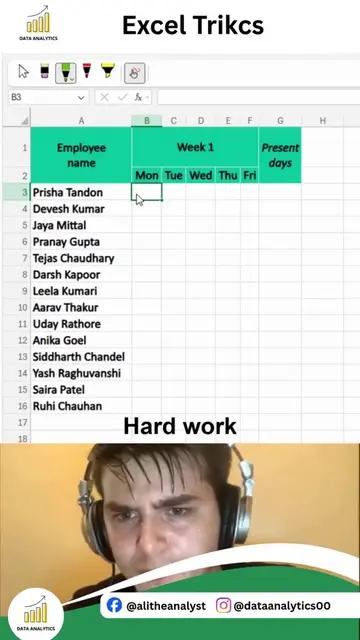
Demonstrate hard work serial numbers
Show smart work serial numbers
MS Excel: ACTS - it is the software used to perform calculations and demonstrate tricks. Removing it would change what happens in the video. Data Analytics logo: APPEARS - a watermark in the top left and bottom left corners. Removing it would not change what happens in the video.
Playing this video’s own audio, so you’ll hear the creator over the sound.
Promotes 5 products. Create free account to see more.
Outliers and viral hits: their videos on Overshot, all time.
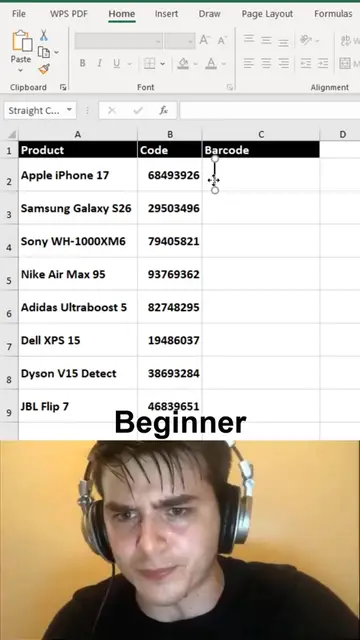
MS Excel is a spreadsheet software used to demonstrate various tricks and methods for data manipulation, including barcode generation and calendar creation.
All time.