Loading video…
All breakouts
6.7App DemoOther hookEducation
Hook
MS Excel
@dataanalytics.07
139.0K followers · usually 3.6K views a post
Views
12.9K
Likes
534
Comments
2
Shares
53
Why it worked
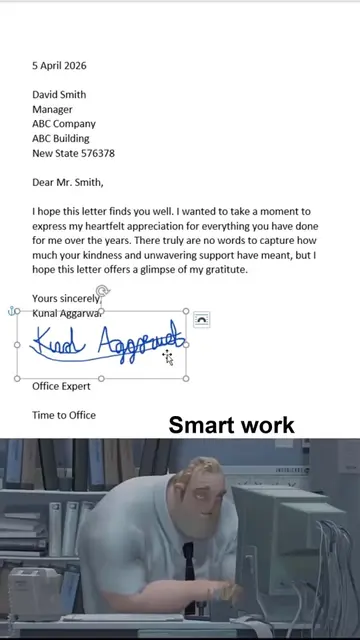
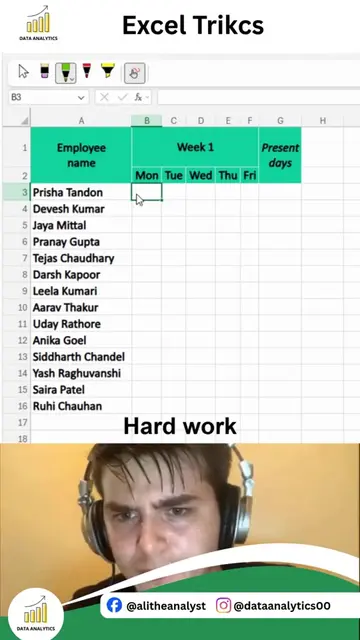
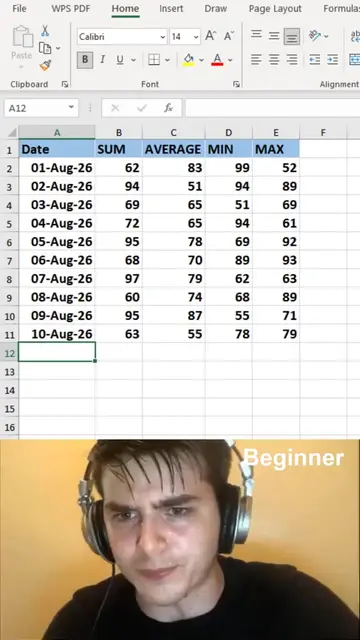
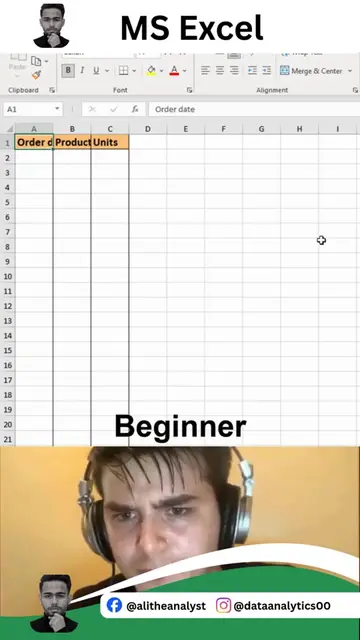
The video demonstrates a highly useful and time-saving Excel shortcut (Flash Fill) that solves a common data organization problem. The 'smart work' versus 'hard work' framing, combined with the visual demonstration, makes the technique easily understandable and shareable.
Summary
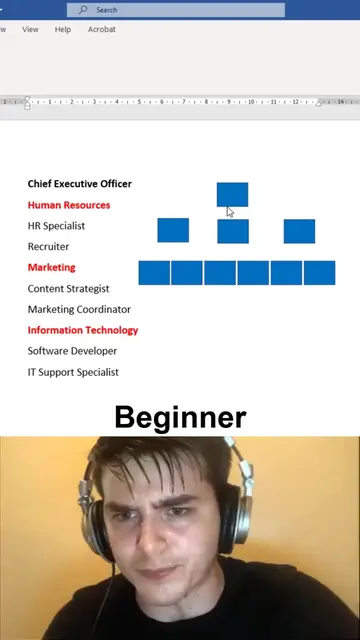
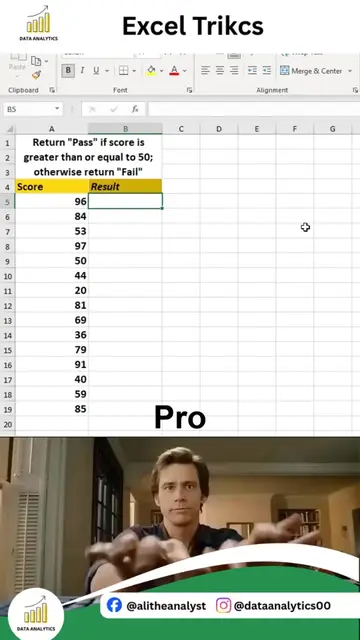
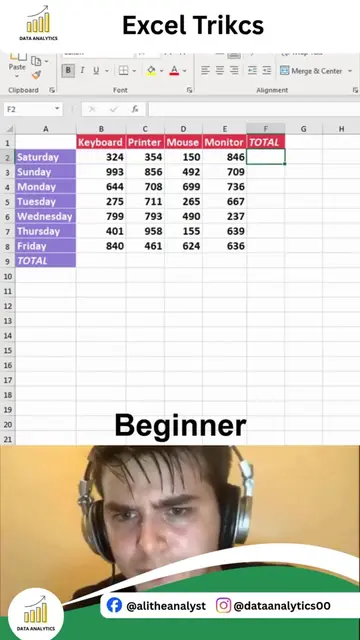
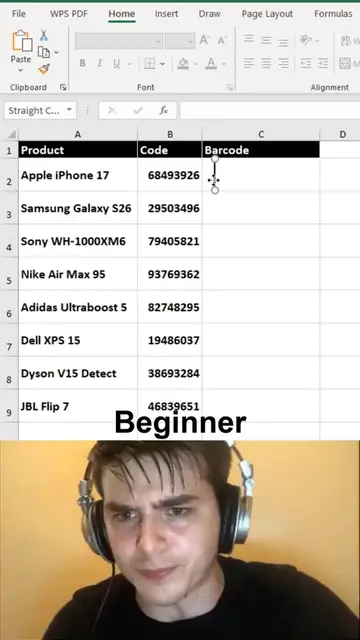
The video demonstrates how to use MS Excel's Flash Fill feature to quickly separate data from a single column into multiple columns. It shows how to extract names and years from a list of movie titles, saving time compared to manual entry.
Structure
- 1Show list of names with years in Excel
- 2Manually separate name and year in first row
- 3Use Ctrl+E (Flash Fill) to automatically separate remaining data
- 4
Original caption
Separate Data in Excel Instantly | Excel Tips Messy data can slow down your analysis, but Excel makes it incredibly easy to split data into separate columns in just a few clicks. Whether you're working with names, addresses, emails, product codes, or imported datasets, knowing how to separate data quickly can save hours of manual work and improve the accuracy of your reports. In this Excel tip, you'll learn how to: • Split full names into First Name and Last Name • Separate text using spaces, commas, or other delimiters • Organize imported data instantly • Clean datasets for reporting and analysis • Prepare data for Pivot Tables, Power BI, and dashboards • Eliminate repetitive manual editing Small Excel tricks like this can dramatically improve your productivity and make data cleaning much faster. If you want to master Excel, Power BI, SQL, Python, Statistics, and complete Data Analytics with practical, real-world projects, you're in the right place. Comment "INTERESTED" if you want to learn Complete Data Analytics, and I'll share all the details. Follow Ali Data Analytics for more Excel tips, Power BI dashboards, cheat sheets, automation tricks, portfolio projects, and practical Data Analytics content. #Excel #ExcelTips #DataCleaning #DataAnalytics #Spreadsheet #MicrosoftExcel #Office365 #Productivity #BusinessAnalytics #PowerBI #SQL #Python #LearnExcel #Automation #AliDataAnalytics
More from @dataanalytics.07
More breakout videos from this creator.