Loading video…
All breakouts
8.7App DemoOther hookEducation
Hook
MS Excel Barcode
@dataanalytics.07
139.0K followers · usually 3.6K views a post
Views
17.2K
Likes
420
Comments
1
Shares
33
Why it worked
The video provides a quick and practical solution to a common problem in Excel, demonstrating a 'smart work' approach that appeals to users looking for efficiency.
Summary
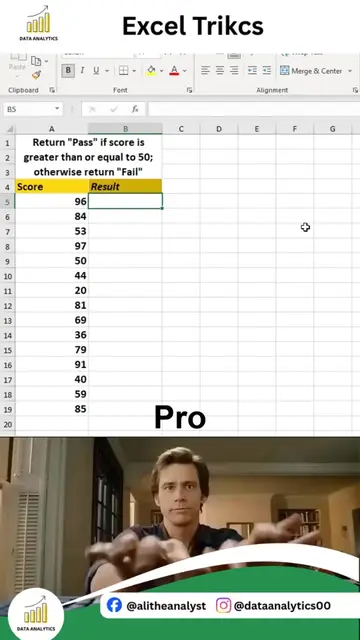
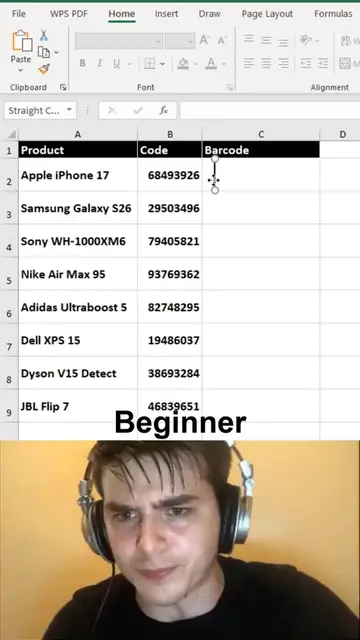
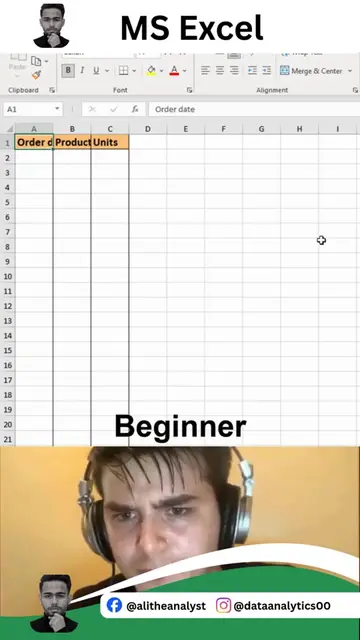
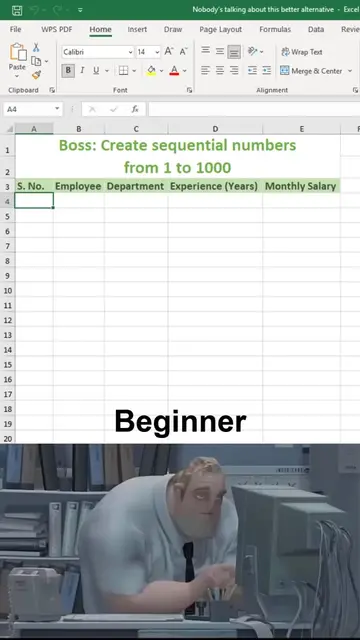
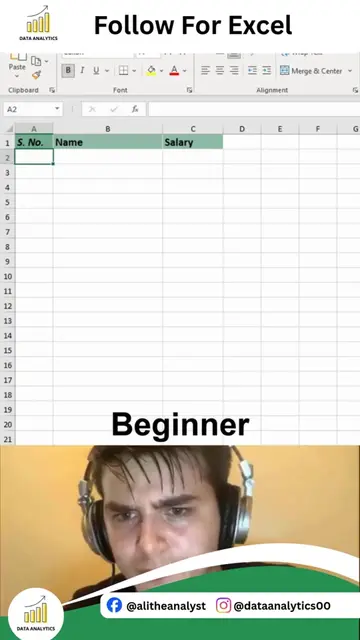
The video demonstrates how to create barcodes in MS Excel using a formula. It shows a list of products with codes and then applies a formula to generate barcodes for each code, effectively creating a barcode representation within the spreadsheet.
Structure
- 1Show Excel sheet with products and codes
- 2Enter formula to create barcode
- 3Apply formula to all codes
- 4Barcodes are generated
Product placement
MS Excel: ACTS - it is the software interface where the barcode generation process is demonstrated. Removing it would change what happens in the video. Data Analytics: APPEARS - it is a logo watermark in the top left and bottom left corners of the video. Removing it would not change what happens in the video.
Original caption
Stop creating barcodes in Excel the old way. Most Excel users still rely on barcode fonts, complicated add-ins, or manual formatting that wastes time and often doesn't work properly. There's a much smarter and faster way to generate professional barcodes directly in Excel with minimal effort. In this quick tutorial, you'll learn: • A faster way to create barcodes in Excel • How to avoid common barcode mistakes • A cleaner and more professional approach • A technique you can use for inventory, products, invoices, and asset management Small Excel tricks like this can save hours of manual work and make your spreadsheets look far more professional. If you're serious about improving your Excel skills and learning practical techniques used in real business environments, make sure to follow Ali Data Analytics. If you want to master Excel, Power BI, SQL, Python, and complete Data Analytics from beginner to advanced level, comment "INTERESTED" and we'll reach out with the details. #Excel #ExcelTips #Spreadsheet #MicrosoftExcel #Office365 #DataAnalytics #PowerBI #BusinessIntelligence #Productivity #ExcelTricks #DataManagement #Automation #LearnExcel #AliDataAnalytics
More from @dataanalytics.07
More breakout videos from this creator.