Loading video…
All breakouts
5.2Talking HeadHow-To hookAI Tools
Hook
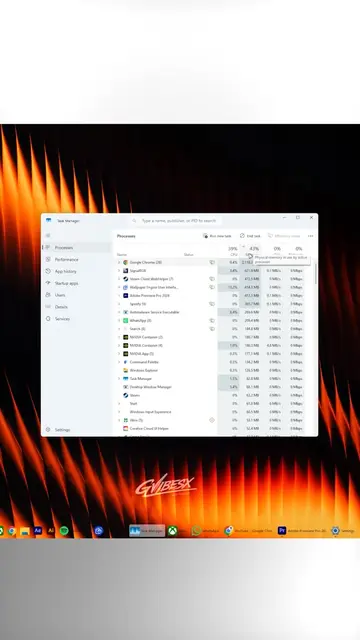
Did you know that if you create a new folder on your desktop and rename it to this
@techow
397.8K followers · usually 45.2K views a post
Views
194.0K
Likes
6.0K
Comments
57
Shares
611
Why it worked
The video likely performed well due to its 'hack' or 'secret tip' nature, appealing to users' desire for efficiency and control over their operating system. The visual demonstration of a hidden feature, presented concisely, makes it easily shareable and informative.
Summary
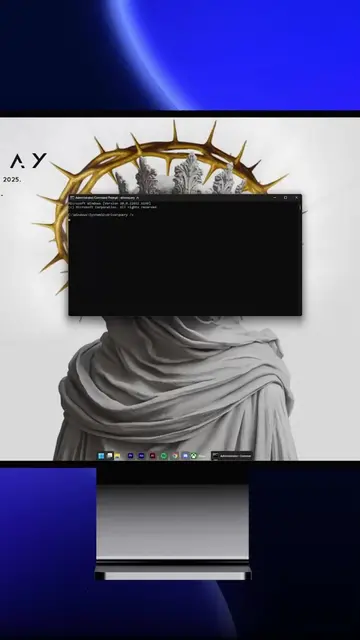
This video demonstrates a Windows hack where creating a folder and renaming it to a specific string, "GodMode.{ED7BA470-8E54-465E-825C-99712043E01C}", transforms it into an icon that grants access to all Windows settings in one place. This feature is referred to as 'God Mode'.
Structure
- 1Create a new folder
- 2Rename the folder to 'GodMode.{ED7BA470-8E54-465E-825C-99712043E01C}'
- 3Observe the folder transform into a special icon
- 4
Original caption
Windows Hack:Access All Settings in One Place #computerhack #computertips #techow #techtok #usa
More from @techow
More breakout videos from this creator.