Loading video…
All breakouts 5 videos3 creators
4.5App DemoBefore / After hookSaaS
Hook
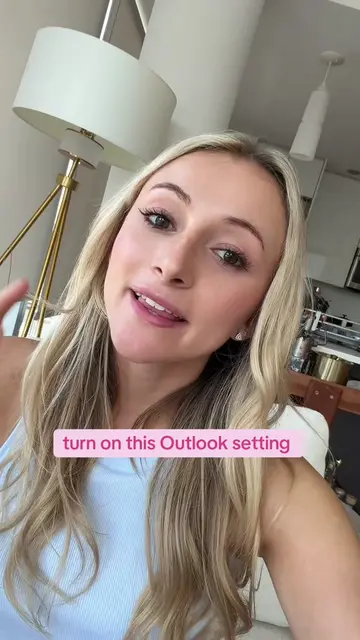
this Outlook hack changed my workflow
@kellyn_mcmullan
181.4K followers · usually 3.2K views a post
Views
19.7K
Likes
487
Comments
3
Shares
58
Promoted product
Outlook
Why it worked
The video provides a simple, actionable productivity hack that solves a common pain point for users of a widely used software, making it highly shareable and relatable.
Summary
The video demonstrates a productivity hack for Outlook users. It shows how to drag and drop an email directly onto the Outlook calendar to create a time-blocked event, with the email automatically attached for easy reference.
Structure
- 1Introduce Outlook hack
- 2Drag email to calendar
- 3Set up event details
- 4Show email attached to calendar event
Product placement
Outlook (ACTS - interface operated to create a calendar event, which attaches an email; removing it changes what happens in the video)
Original caption
drag an email straight to your outlook calendar to time block your work day 🩷 #outlook #productivity #corporategirl #emailhacks #worklife
More from @kellyn_mcmullan
More breakout videos from this creator.