Loading video…
All breakouts 5 videos3 creators
6.9App DemoHow-To hookSaaS
Hook
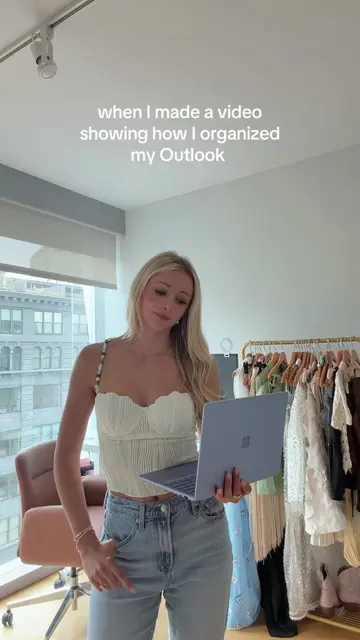
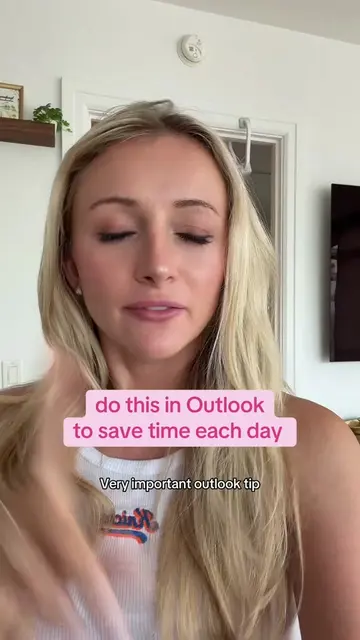
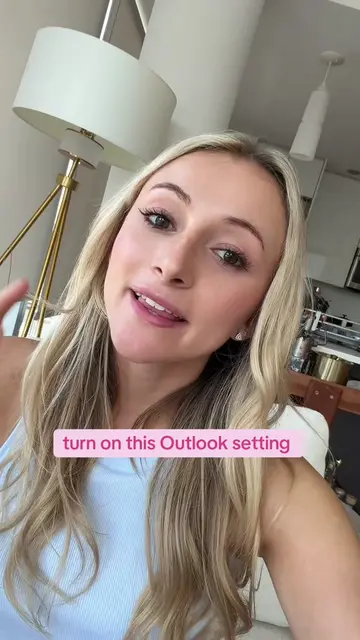
the Outlook hack you didn't know you needed
@kellyn_mcmullan
181.4K followers · usually 3.2K views a post
Views
21.5K
Likes
551
Comments
1
Shares
69
Promoted product
Outlook
Why it worked
The video provides a practical and easily applicable productivity hack for a widely used software, addressing a common pain point for users.
Summary
This video demonstrates a productivity hack for Outlook, showing how to turn any email into a task. It explains how to highlight text in an email, add it to your Outlook tasks, and then manage it with deadlines and reminders.
Structure
- 1Introduce the Outlook hack
- 2Demonstrate adding an email to tasks
- 3Show task management options
- 4Explain how to complete the task
Product placement
Outlook: ACTS - it is an email and task management software that is being demonstrated. Removing it would change what happens in the video.
Microsoft: APPEARS - it is the developer of Outlook, visible as a logo on the software interface. Removing it would not change what happens in the video.
Original caption
turn any email into an actual task in outlook and never lose track of what needs to get done 📋 #outlook #productivity #corporategirl #tasklist #worklife
More from @kellyn_mcmullan
More breakout videos from this creator.